
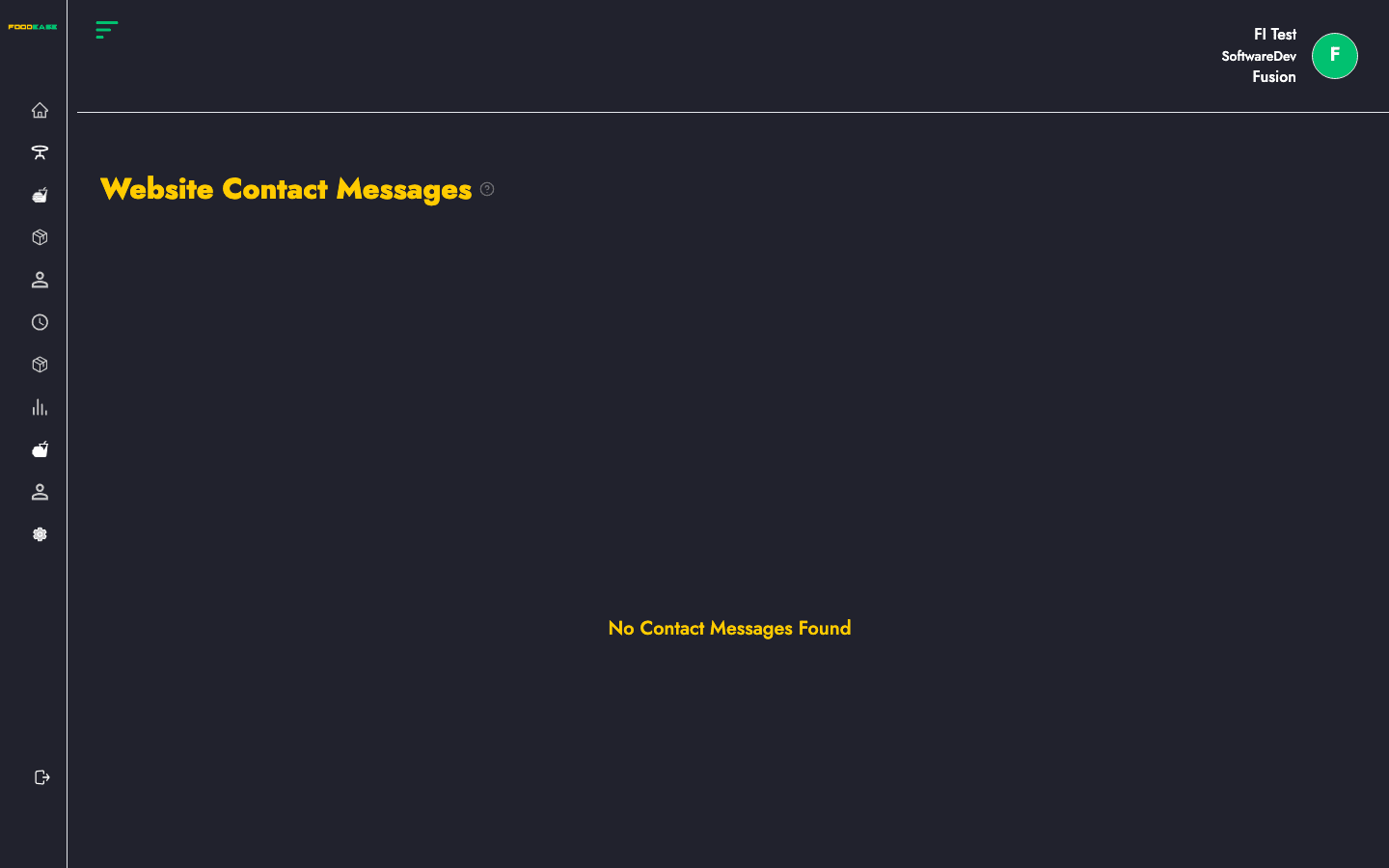
Website Contact Messages lists every enquiry sent through the contact form on your restaurant website — names, emails, categories, and message text.
Who can use this page?
You need Edit Restaurant (CAN_EDIT_RESTAURANT).
How to open Website Contact Messages
- Log in to FoodEase Office.
- In the sidebar, expand Restaurant Settings.
- Click Website Contact Messages.
Page overview
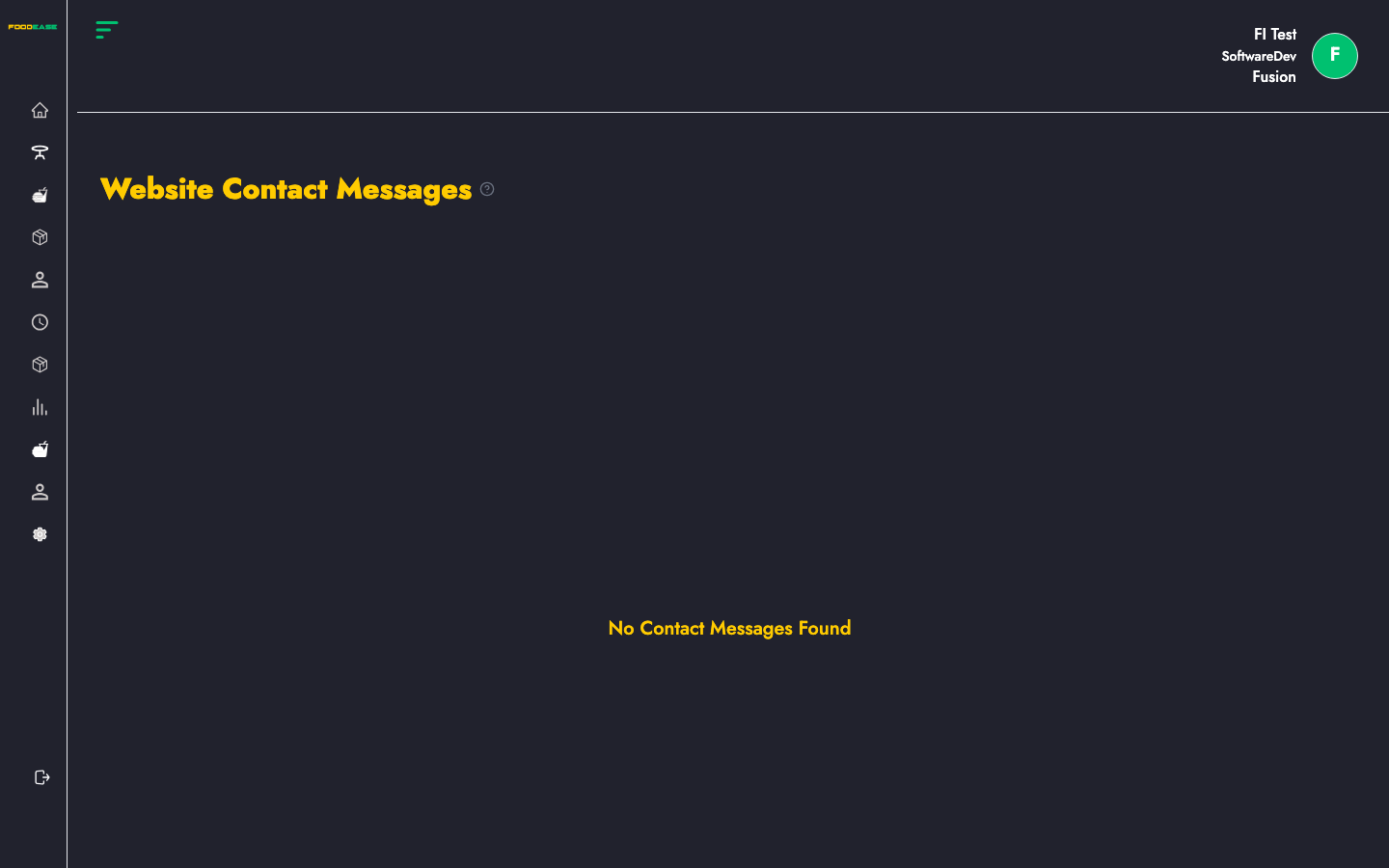
Messages load automatically for your restaurant. The table shows all submissions; there is no create action on this page.
Message table columns
| Column | Description |
|--------|-------------|
| Full Name | Name entered on the contact form |
| Email | Customer email address |
| Phone Number | Contact number (if provided) |
| Message Category | Topic or category selected on the form |
| Message | Full text of the enquiry |
When no messages appear
You see No Contact Messages Found when:
- No customers have submitted the form yet
- Your website contact form is not published
- Has Website is disabled — enable it on Restaurant Info
Tips
- Review messages regularly for catering requests, complaints, and reservation enquiries.
- Cross-reference Phone Number with Orders or Customers List when following up.
Related guides
- Restaurant Info — website URL and Has Website toggle
- Customers List — registered website accounts