
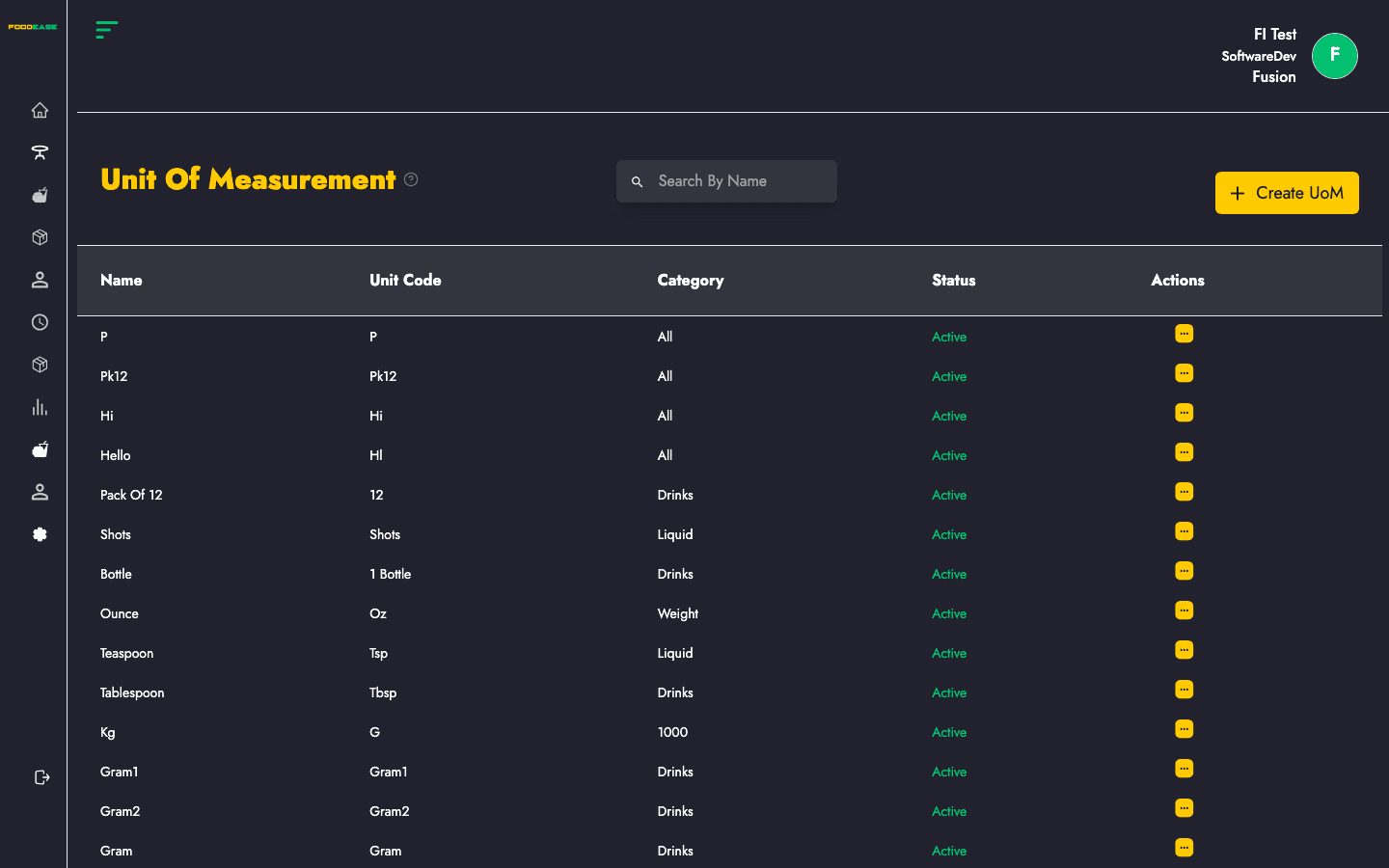
Units of Measurement (UoM) define how quantities are counted — pieces, kilograms, litres, packs, bottles, and so on. Every item in FoodEase references a UoM for selling and, where applicable, inventory tracking.
Who can use this page?
Staff with Create Item or Edit Item permissions.
How to open Unit of Measurement
- Log in to FoodEase Office.
- Sidebar → Items → Unit Of Measurement.
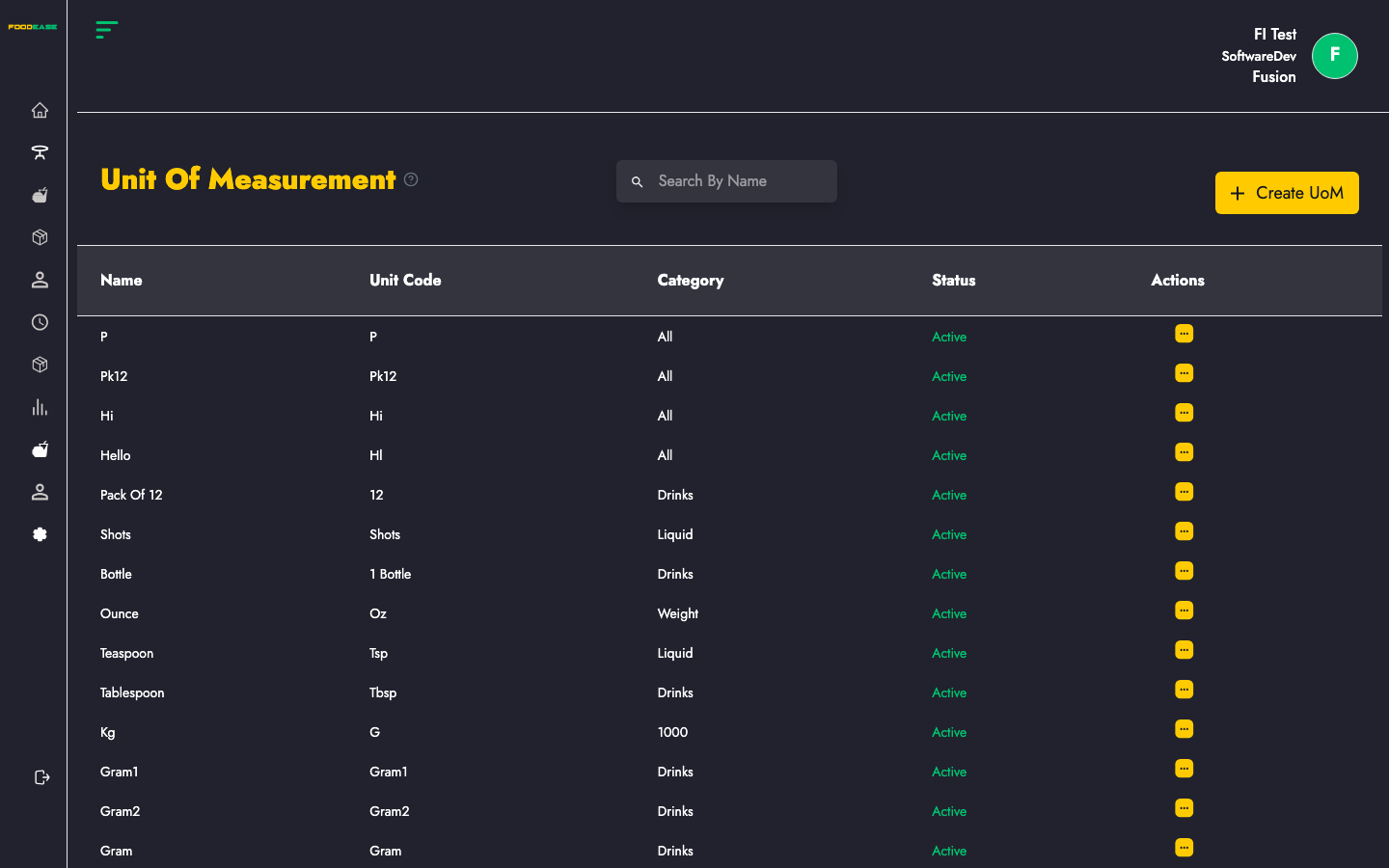
Page overview
| Column | Description |
|--------|-------------|
| Name | Full name of the unit (e.g. Kilogram) |
| Unit Code | Short code (e.g. KG) |
| Status | Active or Inactive |
| Actions | Edit or toggle |
Create a unit of measurement
- Click Create Unit Of Measurement (or the add button on the page).
- Enter:
- Name — descriptive label
- Unit Code — short identifier used in forms and reports
- Click Create.
Edit a unit of measurement
- Open Actions → Edit.
- Update the name or code.
- Save changes.
Activate or deactivate
Use Actions → Toggle to deactivate units you no longer use. Existing items keep their historical UoM reference; new items should not use inactive units.
Search
Use Search By Name to filter by unit name or unit code.
Best practices
- Standardise codes across your team (KG, L, PCS, CTN).
- Create UoMs before building Items.
- If you buy in bulk but sell individually, set up a UoM Relationship (e.g. 1 carton = 24 pieces).