
Set up preparation areas, item classes, products, units of measurement, and activity logs.
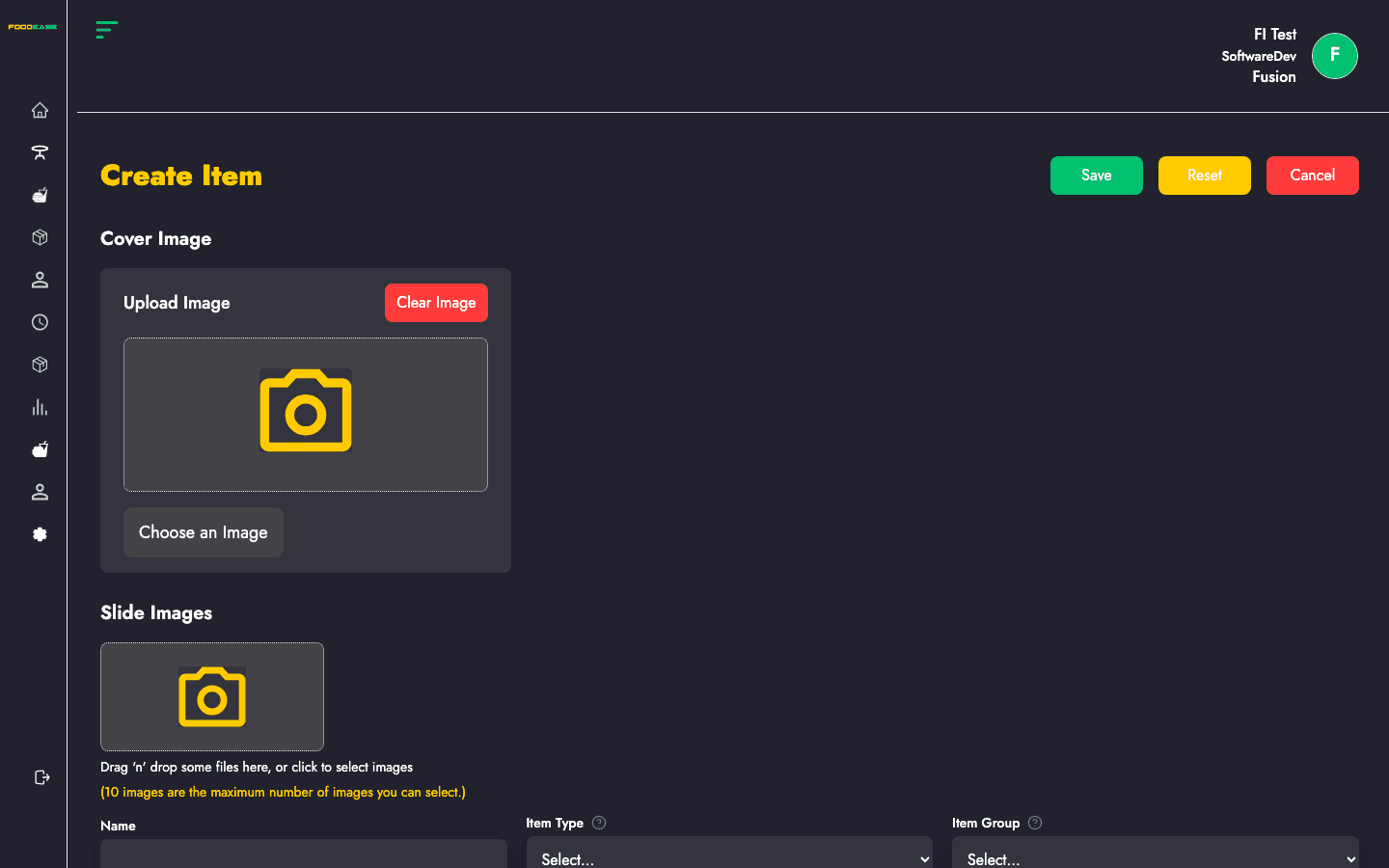
Complete walkthrough of the FoodEase Office create-item form for every item group.
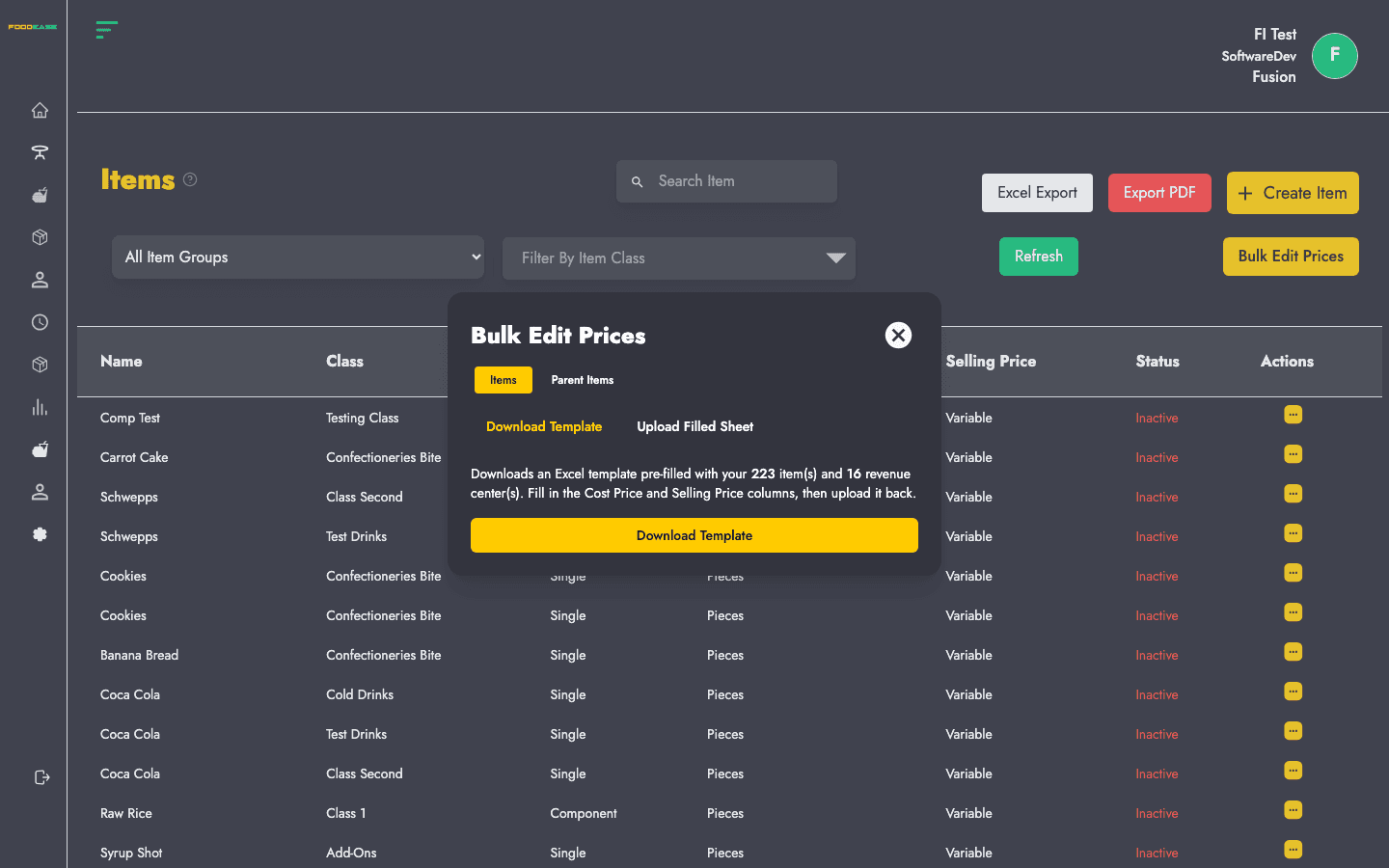
Update existing menu items, duplicate products, and understand edit-mode differences.
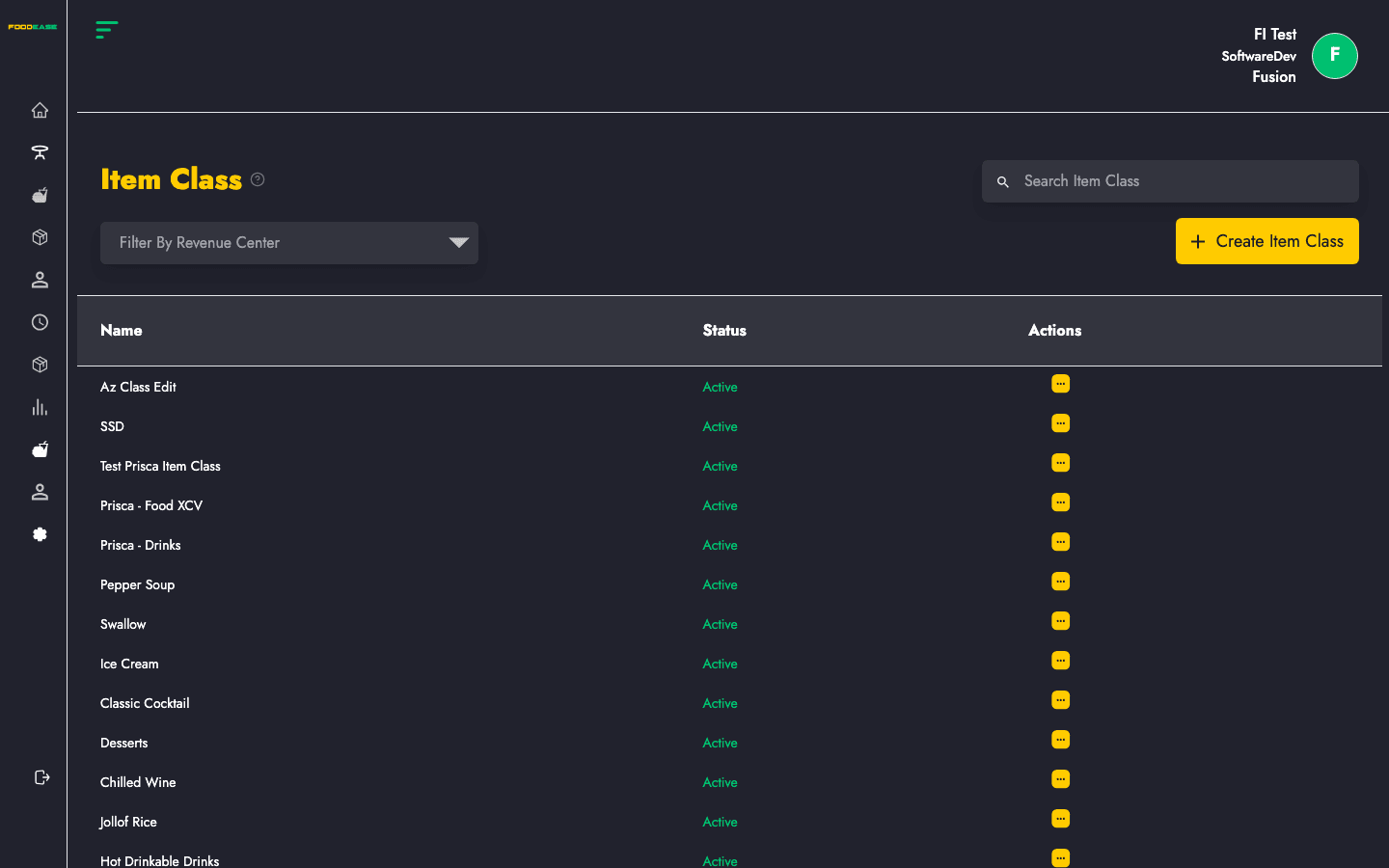
Categorise menu items and control POS visibility, revenue lines, and sales channels.
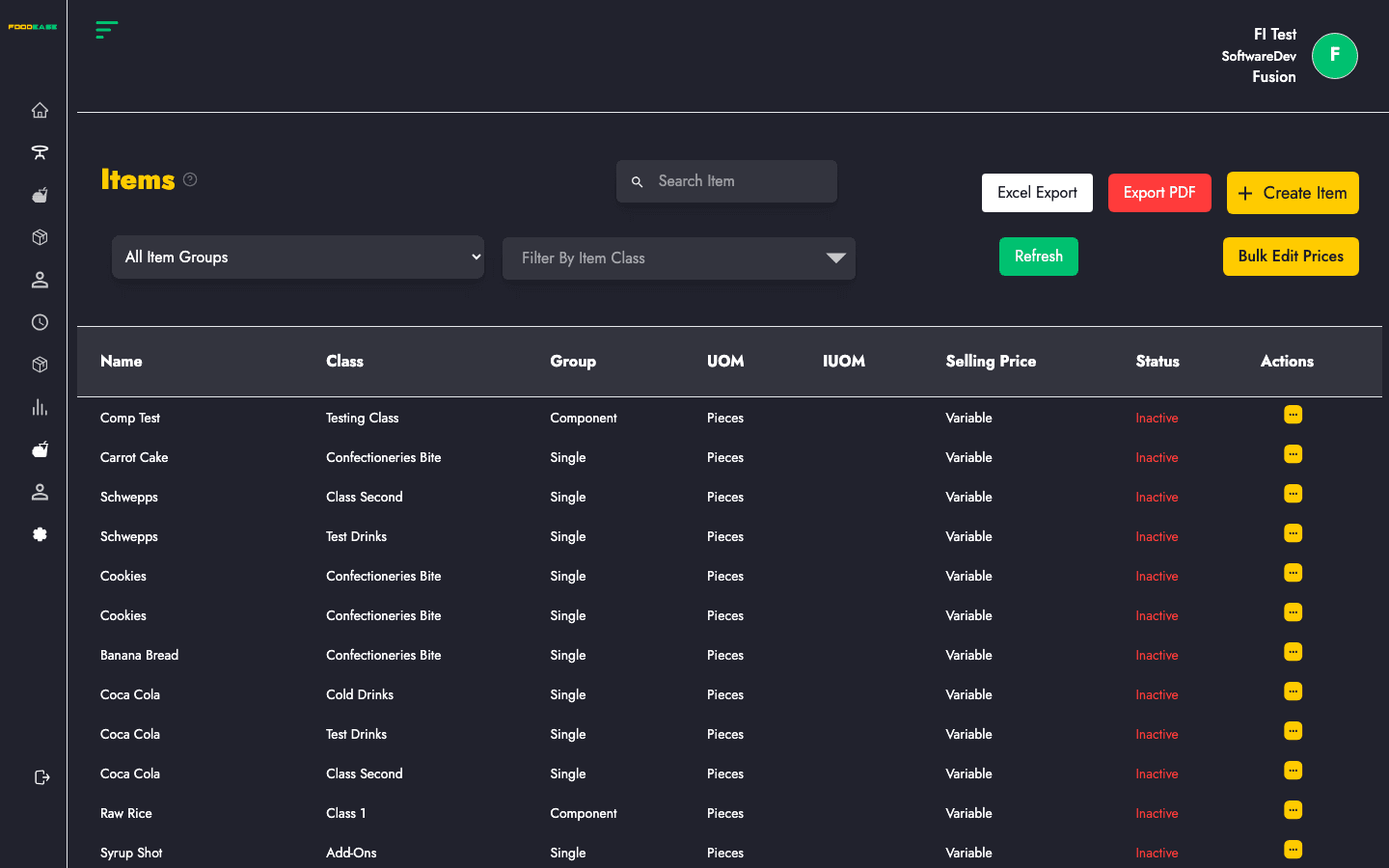
Create, search, filter, edit, and manage all menu products in FoodEase Office.
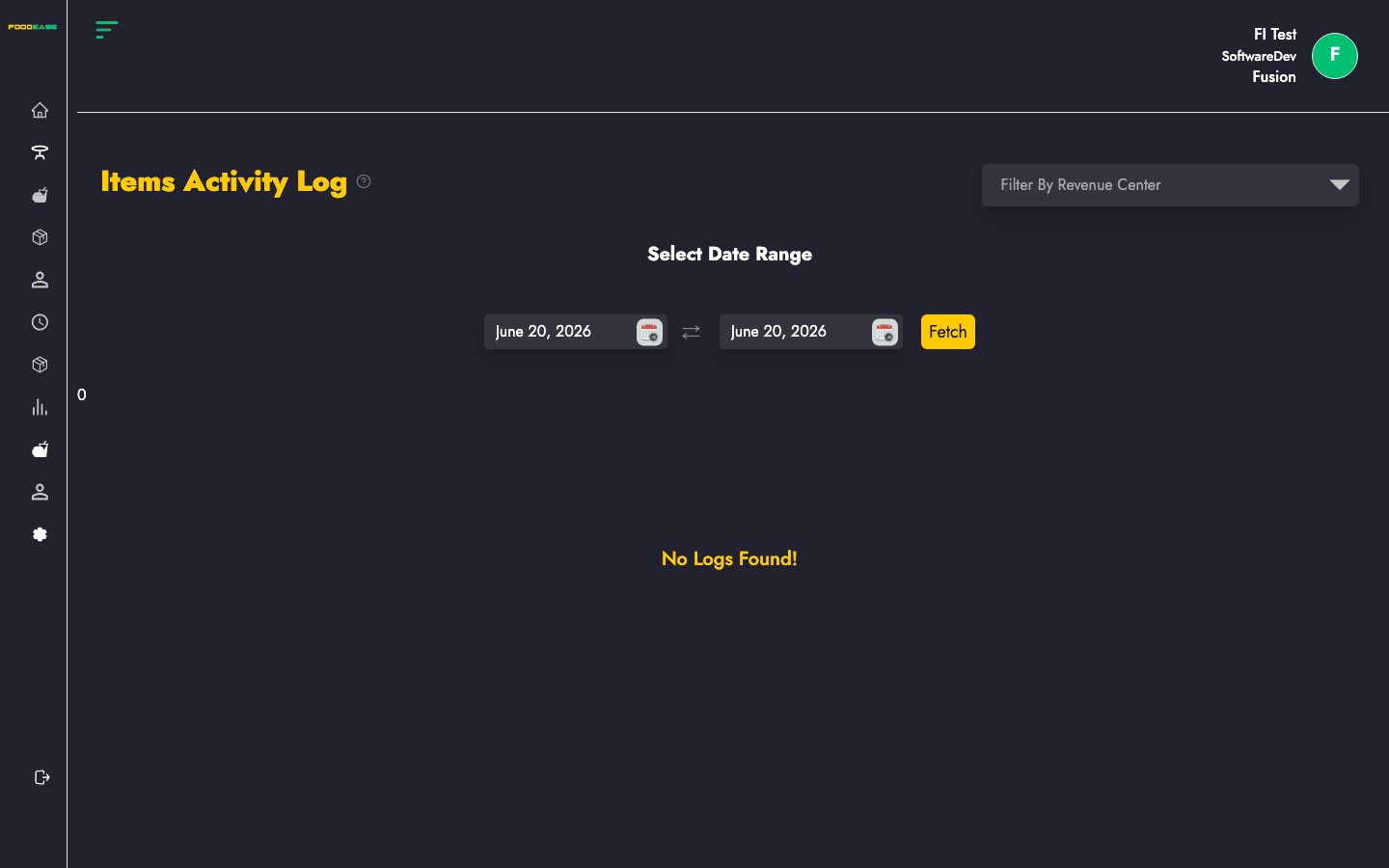
Review a history of actions performed on menu items across your restaurant.
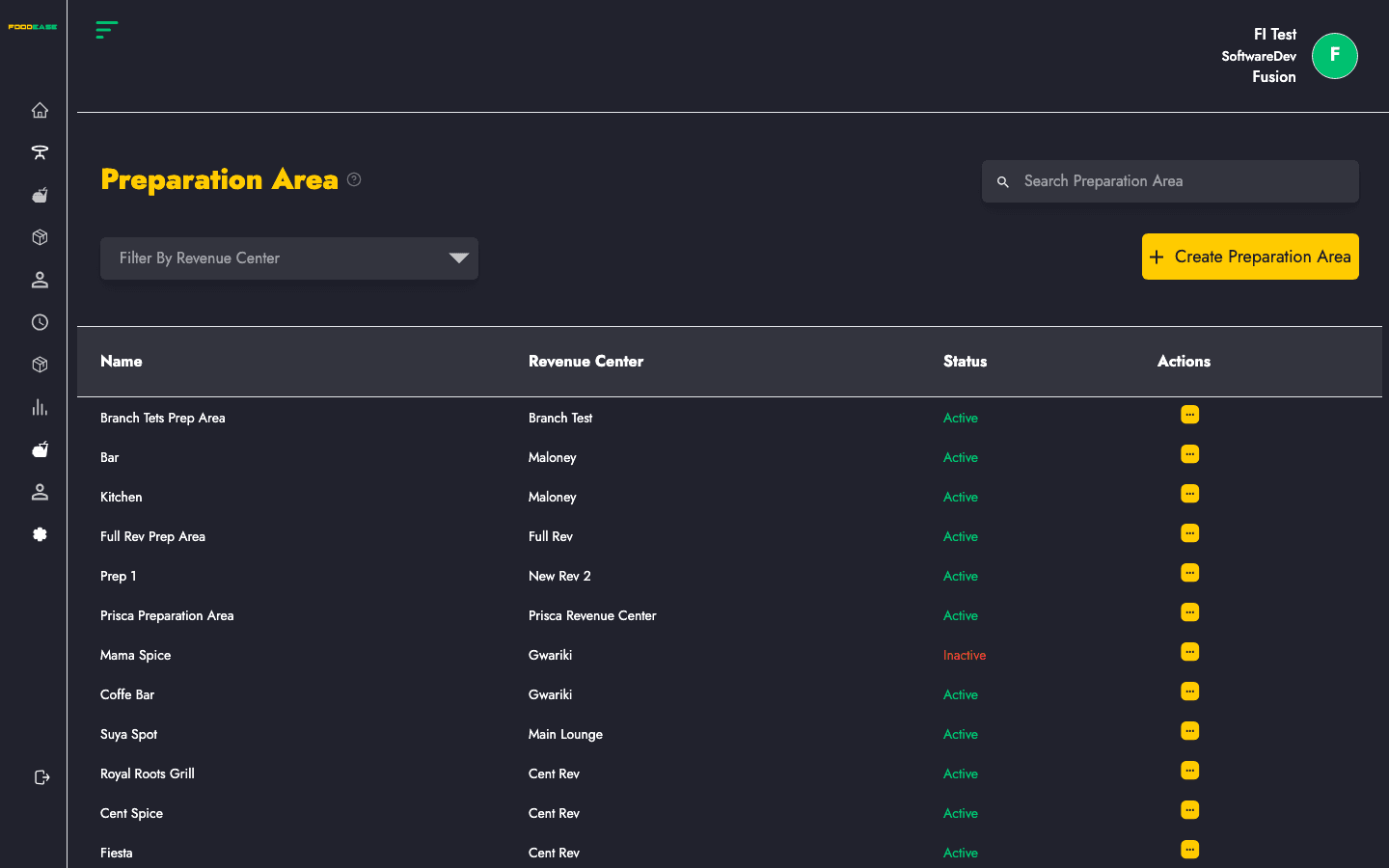
Create and manage kitchen preparation areas linked to revenue centres and printers.
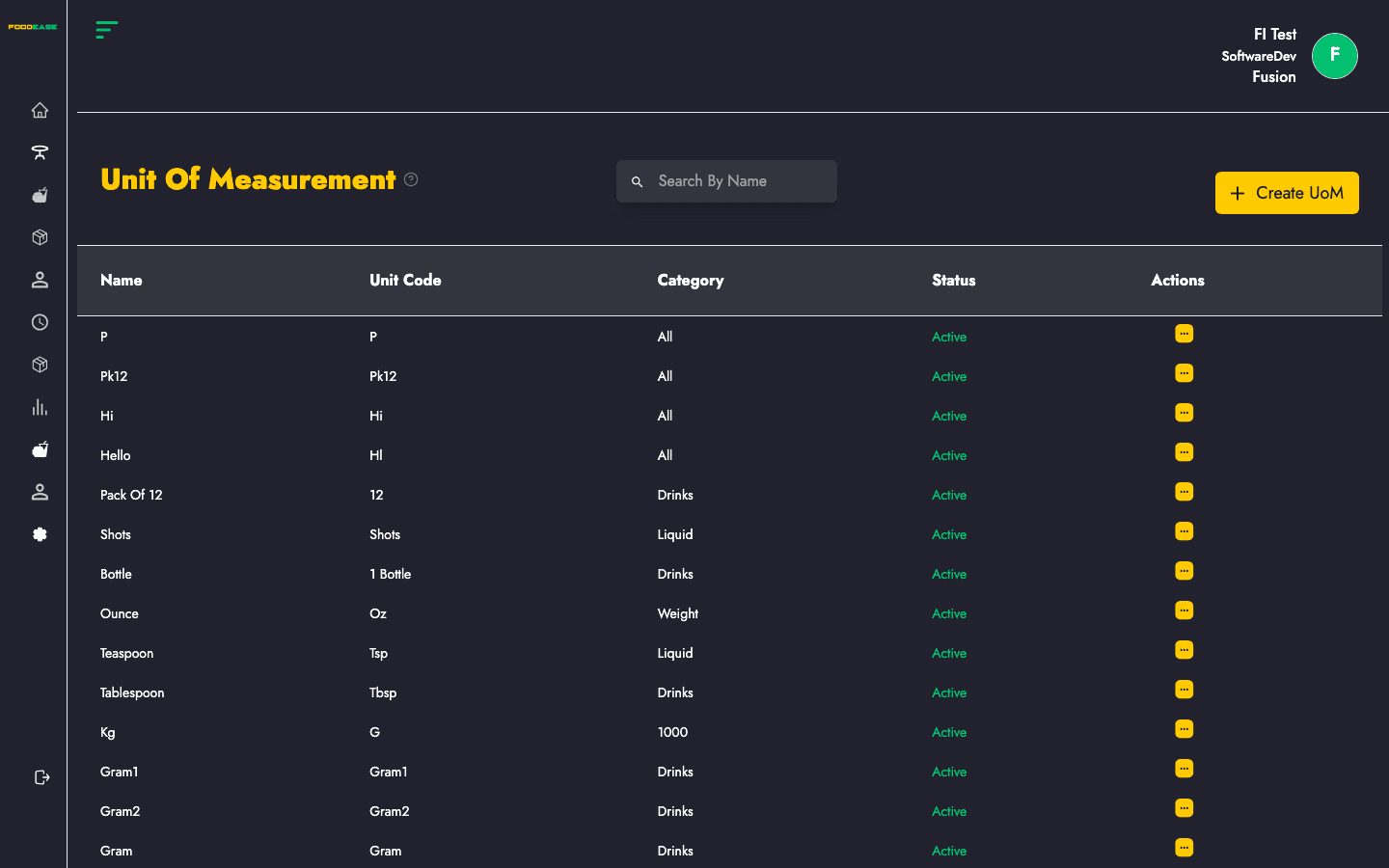
Define units used to track and sell menu and inventory items.
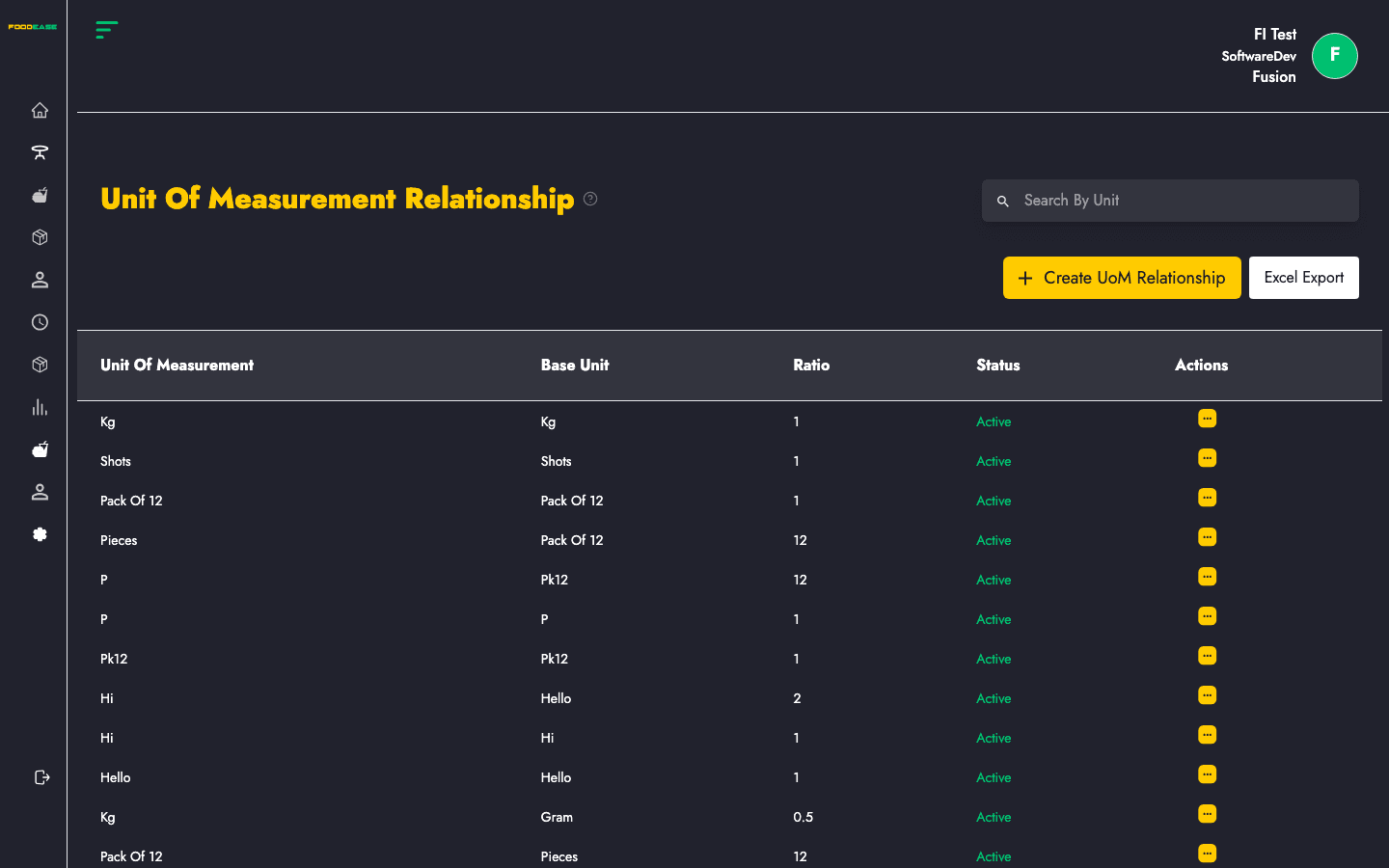
Convert between units of measurement, such as packs to pieces.