
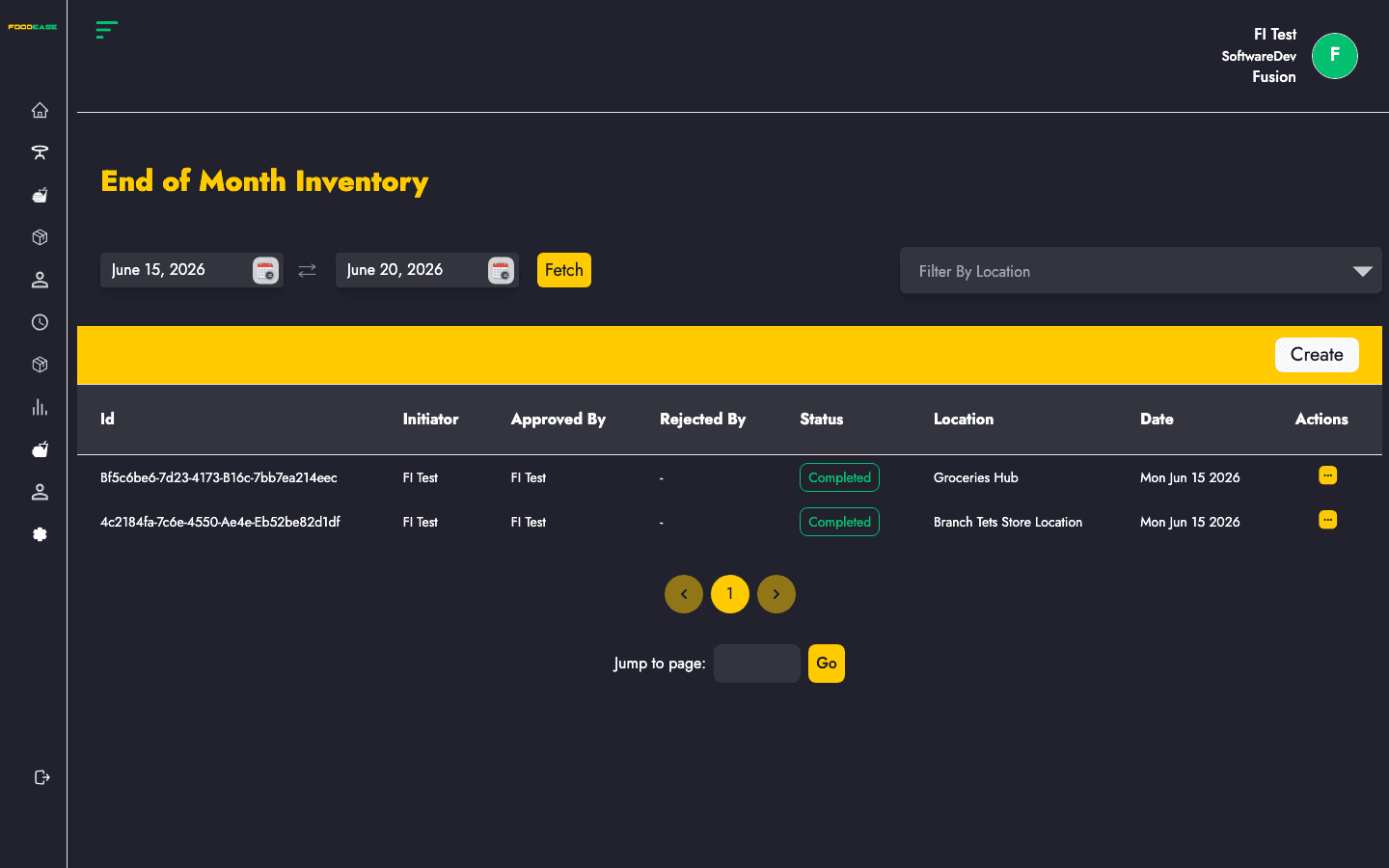
End of Month Inventory (stock take) is the periodic count workflow. Staff record physical quantities per item at a store location, compare them to system on-hand figures, and submit counts for approval before variances drive Stock Adjustment.
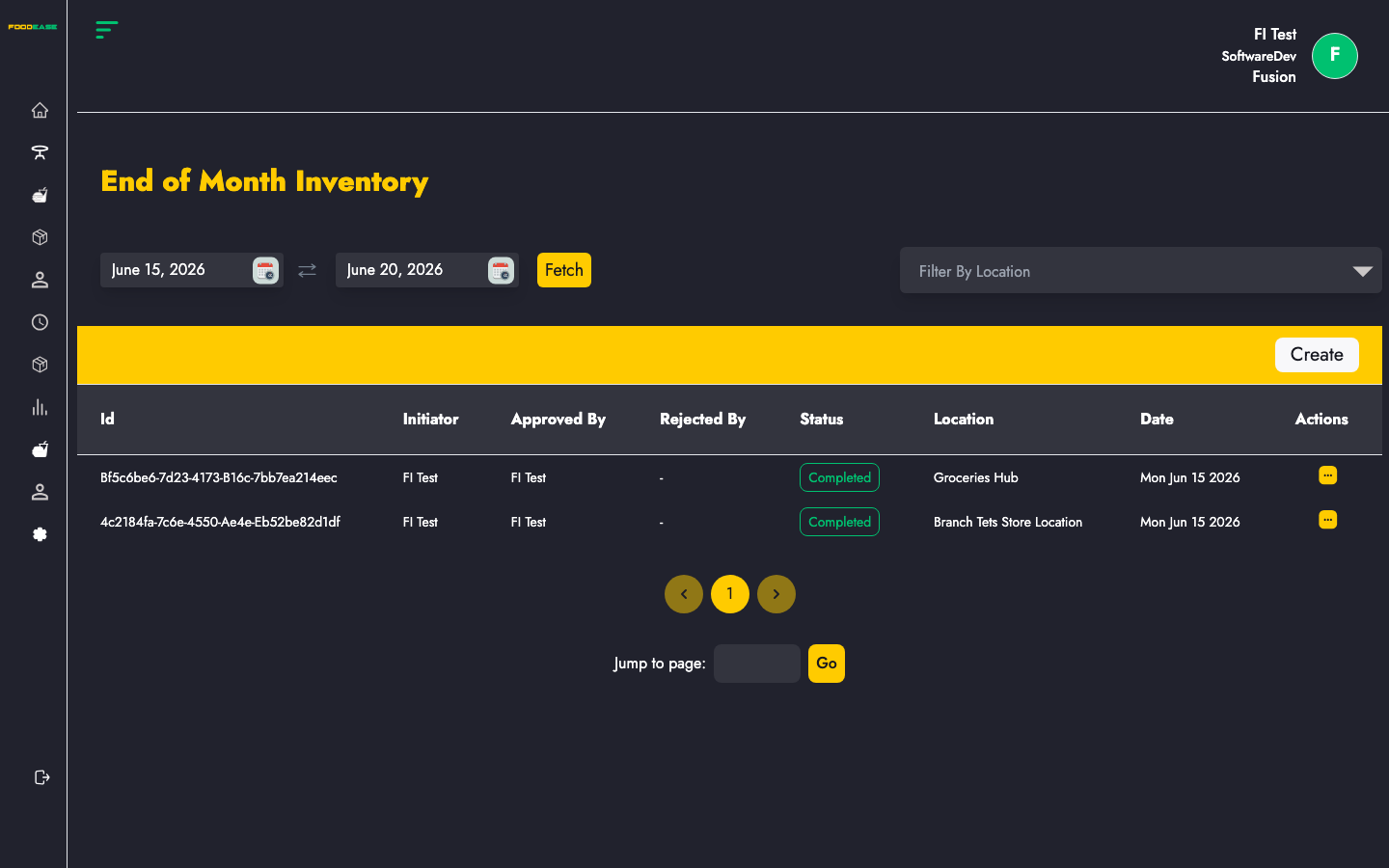
Who can use this page?
Users need at least one of:
- Edit Stock Take
- Approve Own Stock Take
How to open End of Month Inventory
- Log in to FoodEase Office.
- Sidebar → Inventory → End of Month Inventory.
Page overview
| Column | Description |
|--------|-------------|
| Id | Stock take reference |
| Initiator | Staff who started the count |
| Approved By | Approver (when completed) |
| Rejected By | Staff who rejected (if applicable) |
| Status | Draft, Pending, Completed, etc. |
| Location | Store location counted |
| Date | Effective date of the stock take |
| Actions | View or edit |
| Filter / tool | Description |
|---------------|-------------|
| Date range | Load stock takes within a period |
| Location | Filter by store location |
| Create | Start a new stock take |
Create a stock take
- Click Create →
/dashboard/stocks/create-stock-take. - Select a Store Location and Effective Date (calendar picker).
- Items load with system Quantity on Hand. Enter Stock Take Quantity for each line.
- FoodEase calculates Variance (on-hand minus counted).
- Choose an action:
- Save as Draft — continue later.
- Submit — send for approval (wording on form buttons).
Each line requires a stock take quantity. Use search within the form to find items in long lists.
Edit a draft or pending stock take
Statuses Draft and Pending allow editing from Actions. Open the create/edit form to update counts before approval.
Approve a stock take
- Open the stock take view from the list.
- An approver with Approve Own Stock Take (or broader stock-take rights) confirms or rejects the count.
- When status is Completed, variances can be applied via Stock Adjustment.
Search and filter
- Pick a date range to see stock takes for a closing period.
- Filter by Location to review one store’s counts.
Best practices
- Count during quiet periods and freeze receiving where possible for accurate variances.
- Record Effective Date as the physical count date, not the data-entry date.
- Run stock takes before month-end reporting; follow with Stock Adjustment for completed takes not yet adjusted.
- Ensure items have correct store locations on the Items catalogue.