
Stock overview, requisitions, receipts, transfers, counts, vendors, locations, and ledgers.
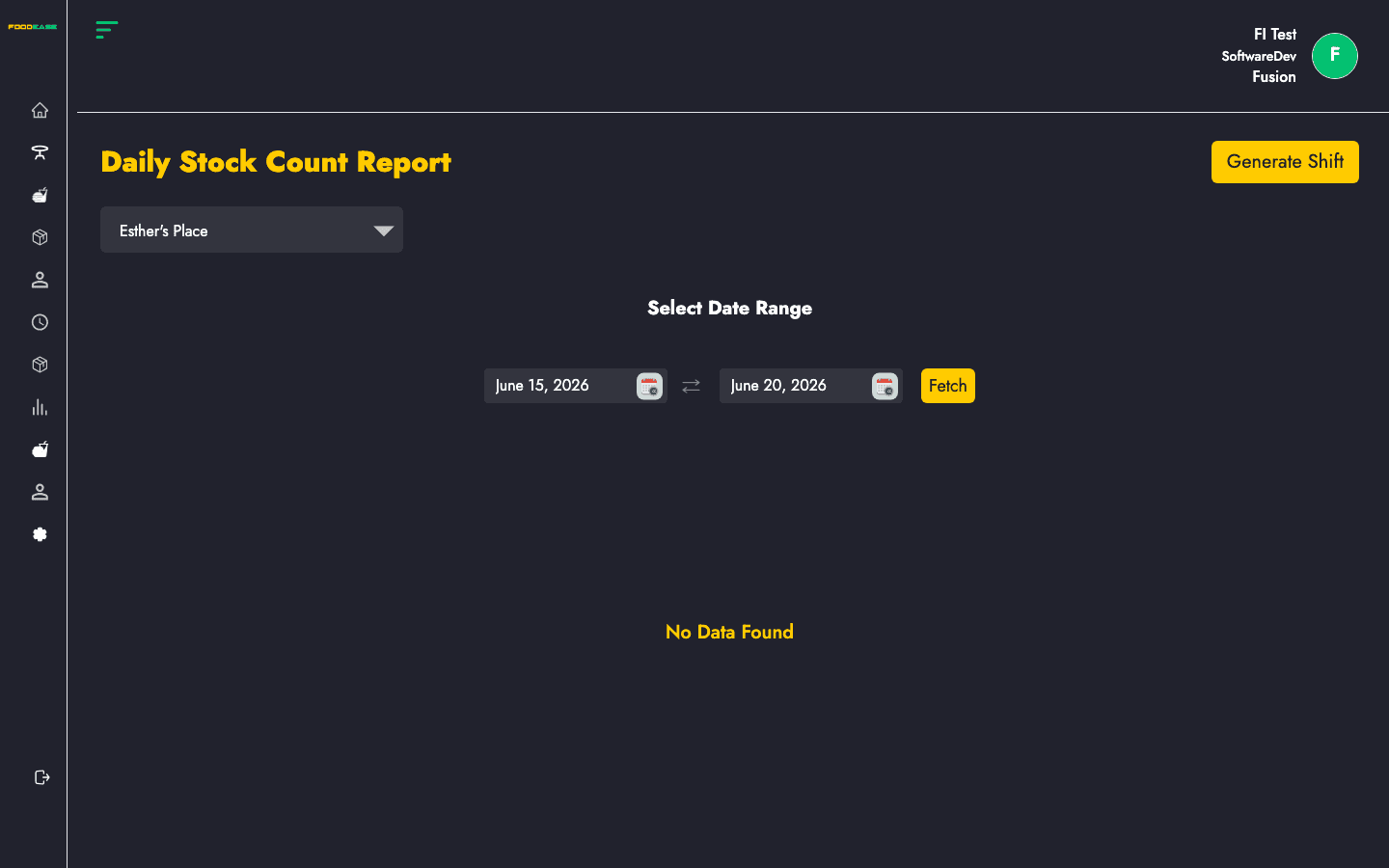
Review shift-based daily inventory counts with opening, movement, and closing quantities.
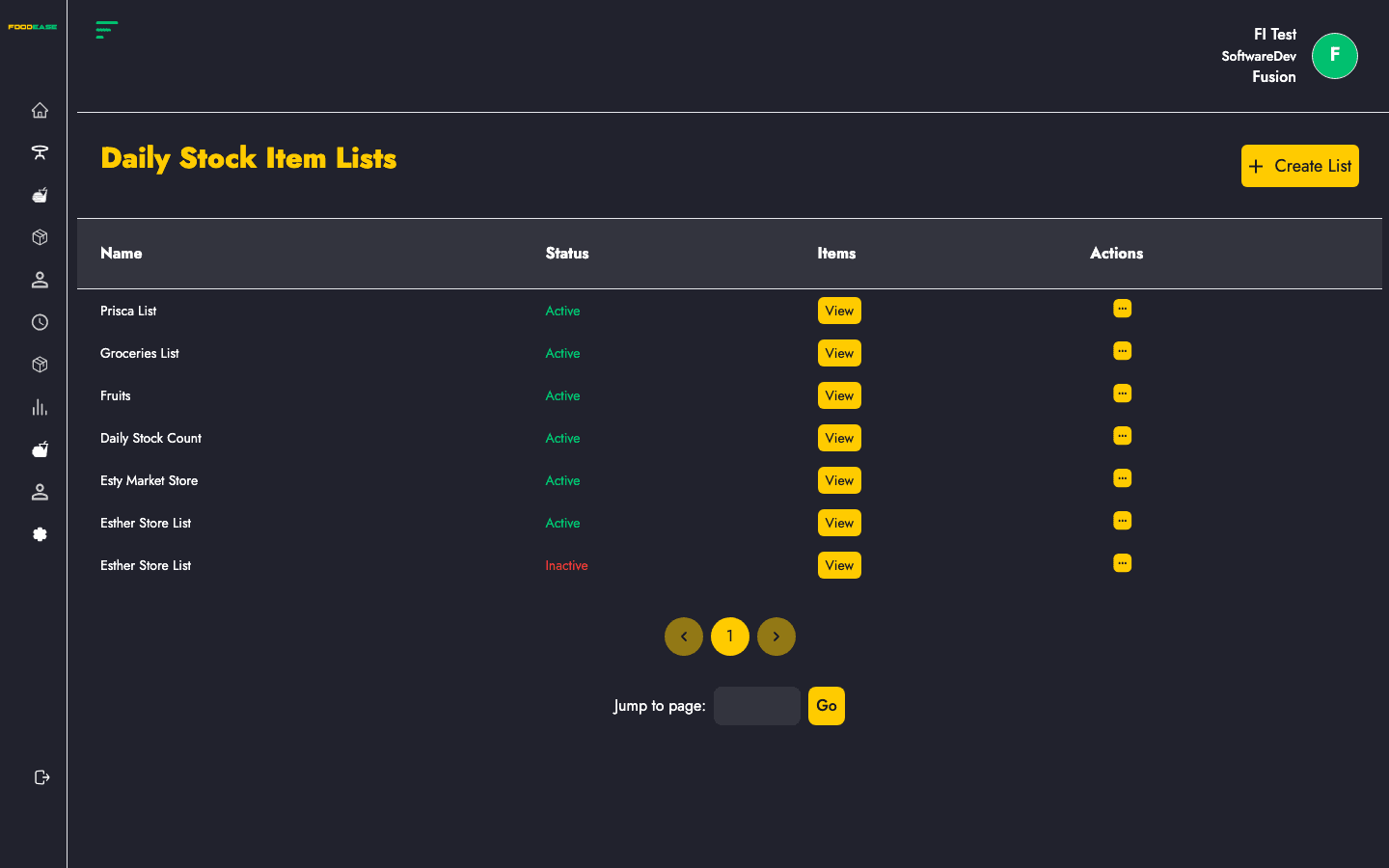
Define named lists of items used for daily stock counts on POS or shift reports.
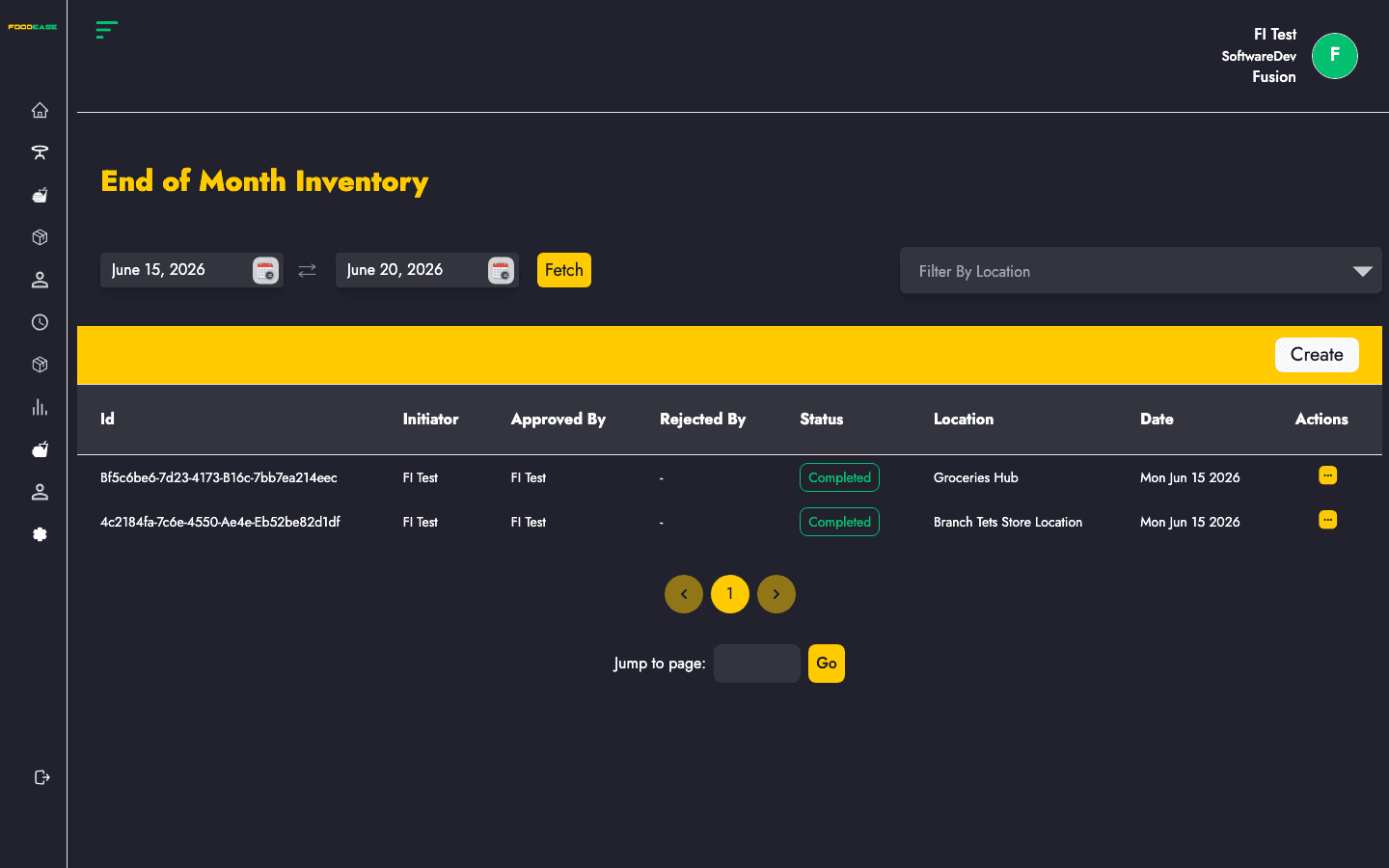
Perform periodic stock takes, count on-hand quantities, and submit for approval.
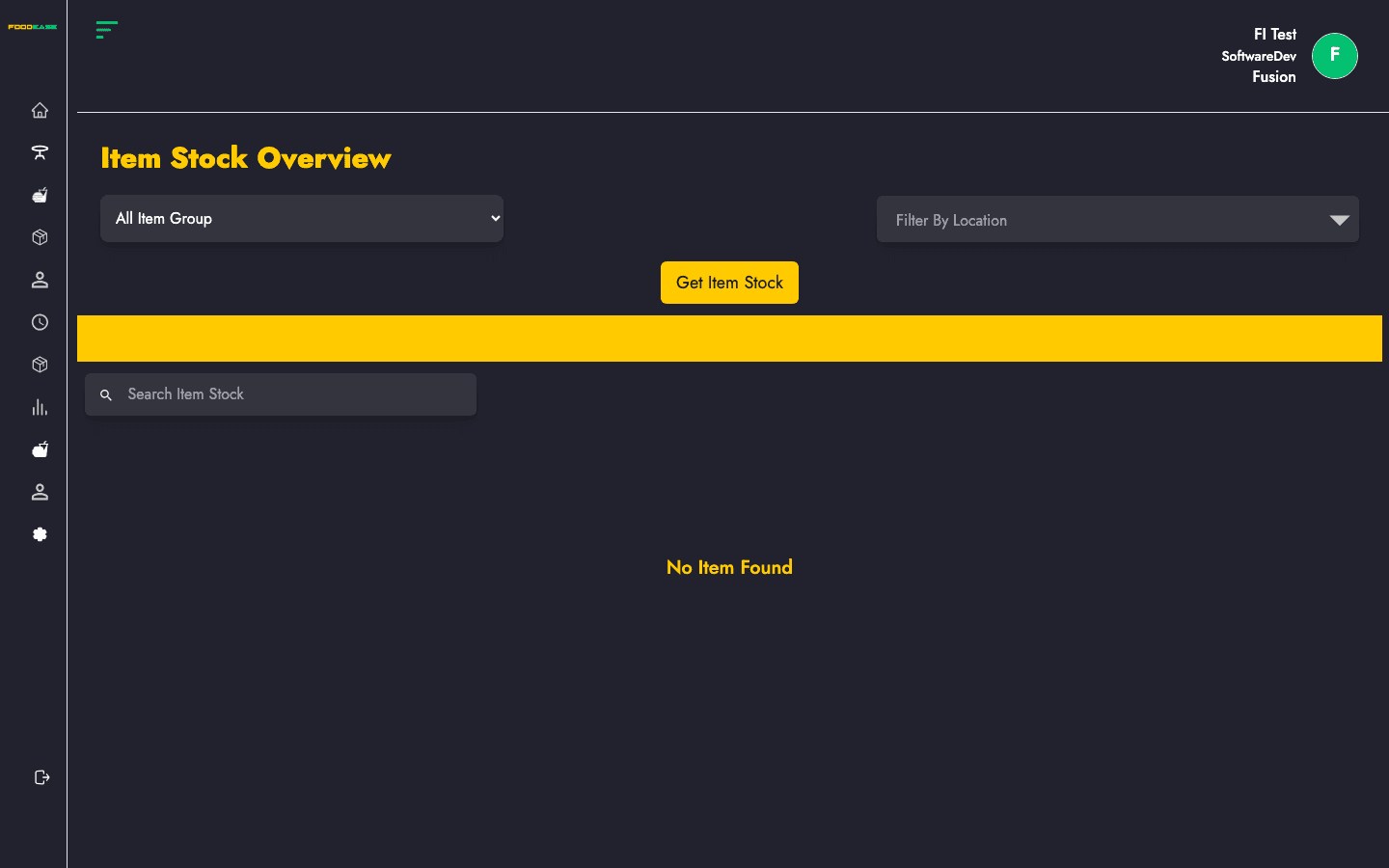
View available stock levels by location, item group, and threshold across your restaurant.
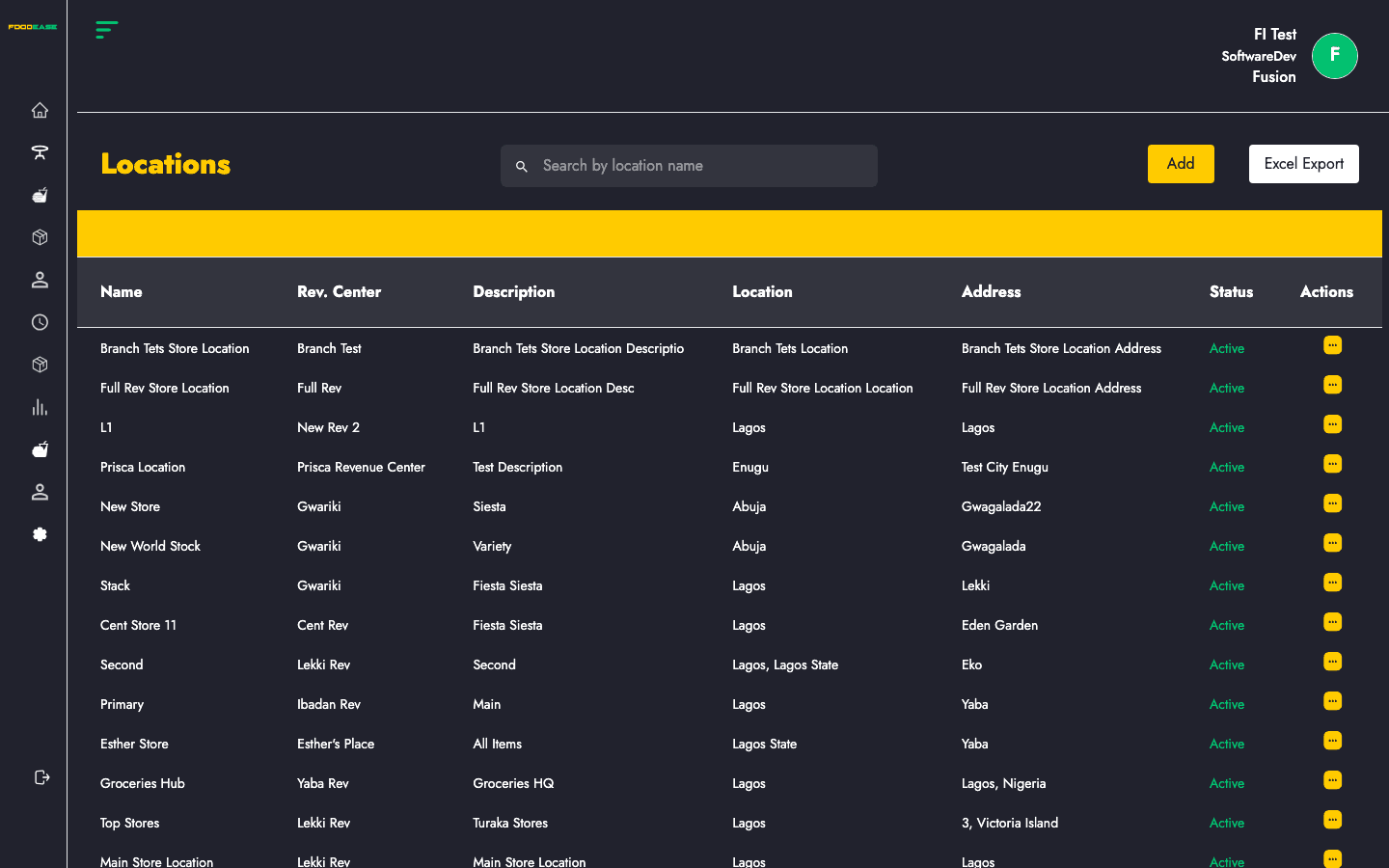
Configure store locations linked to revenue centres for inventory tracking.
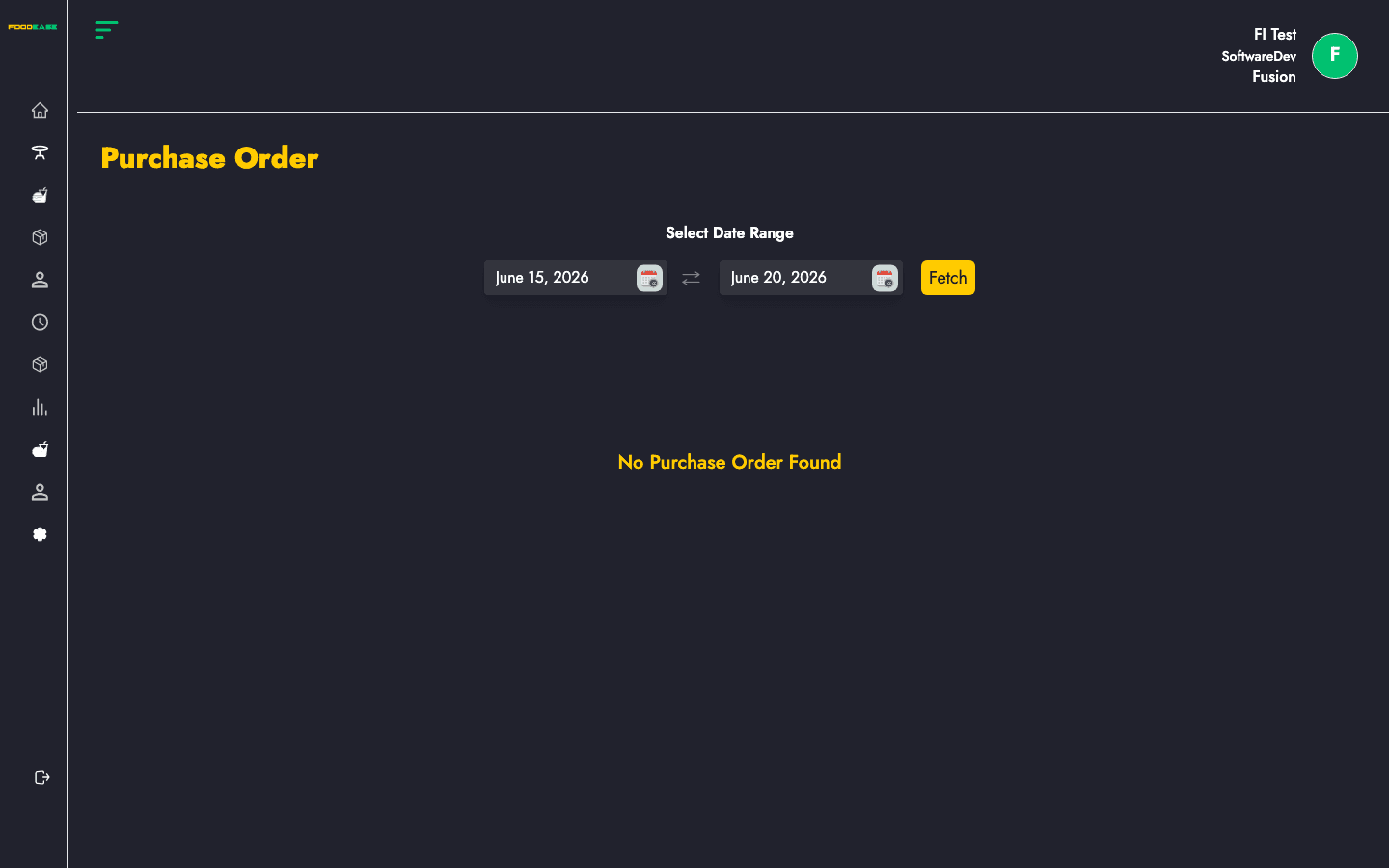
View and manage purchase orders created from approved requisitions.
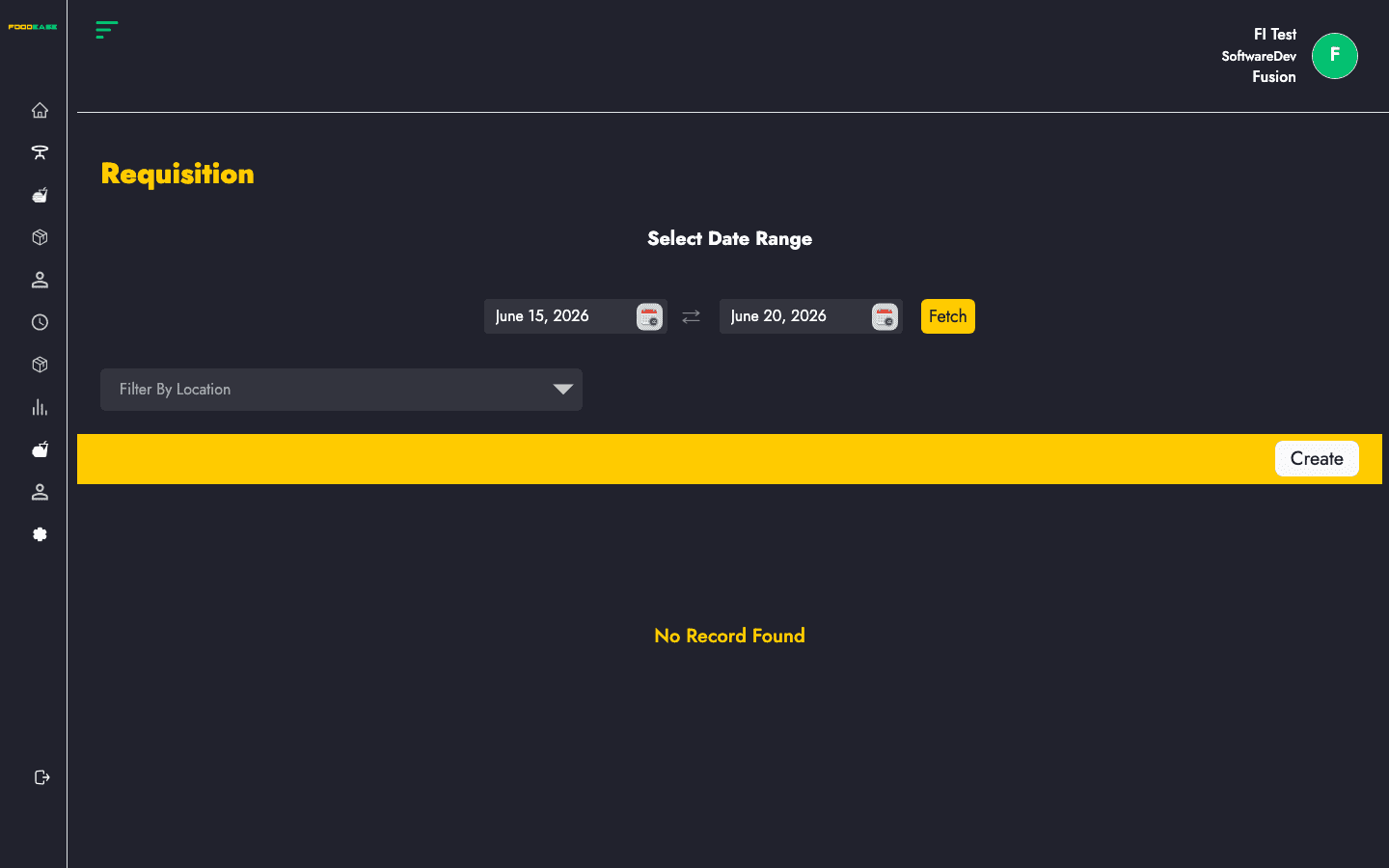
Create, submit, and approve purchase requisitions for stock replenishment.
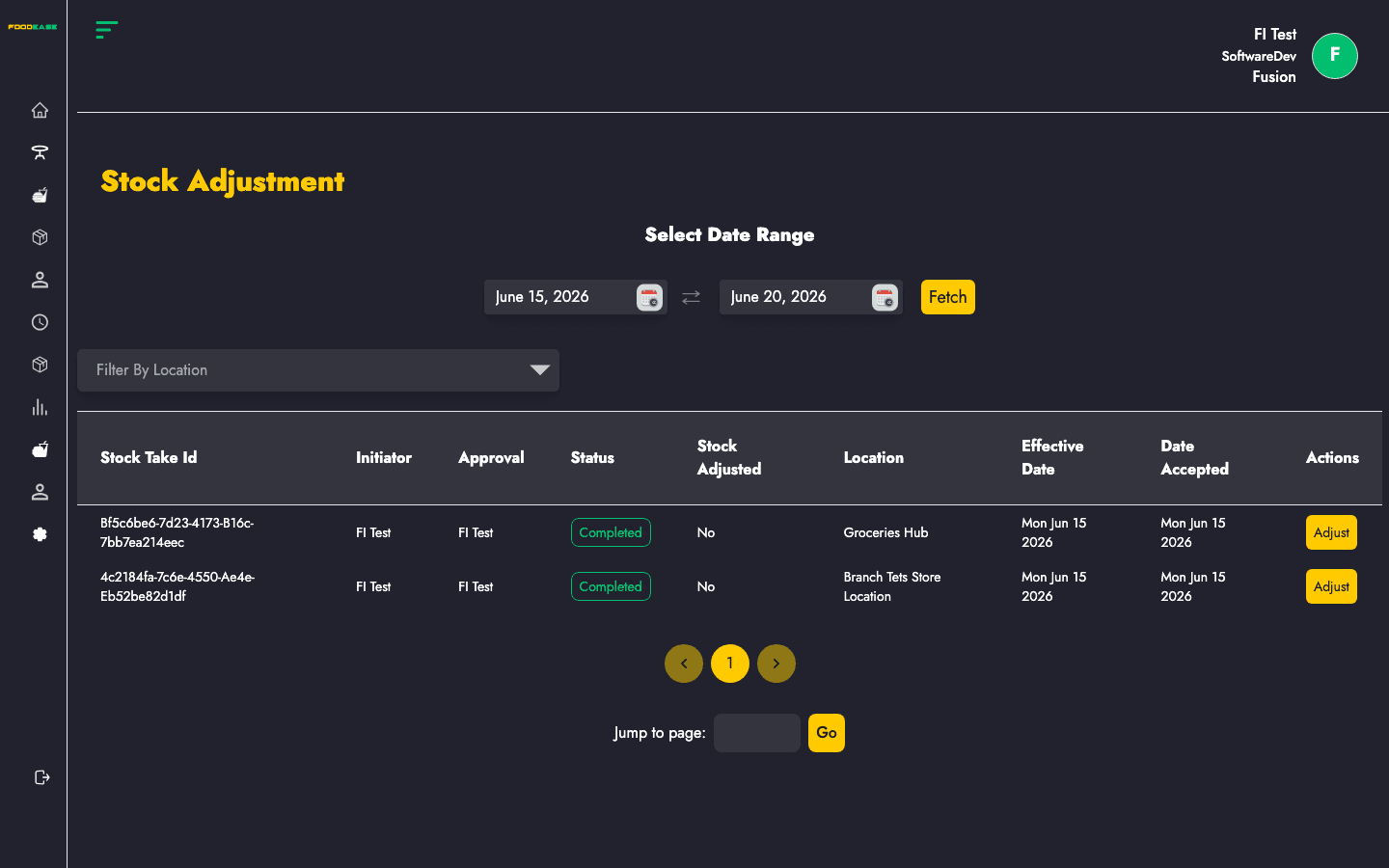
Apply inventory corrections from completed stock takes to update system quantities.
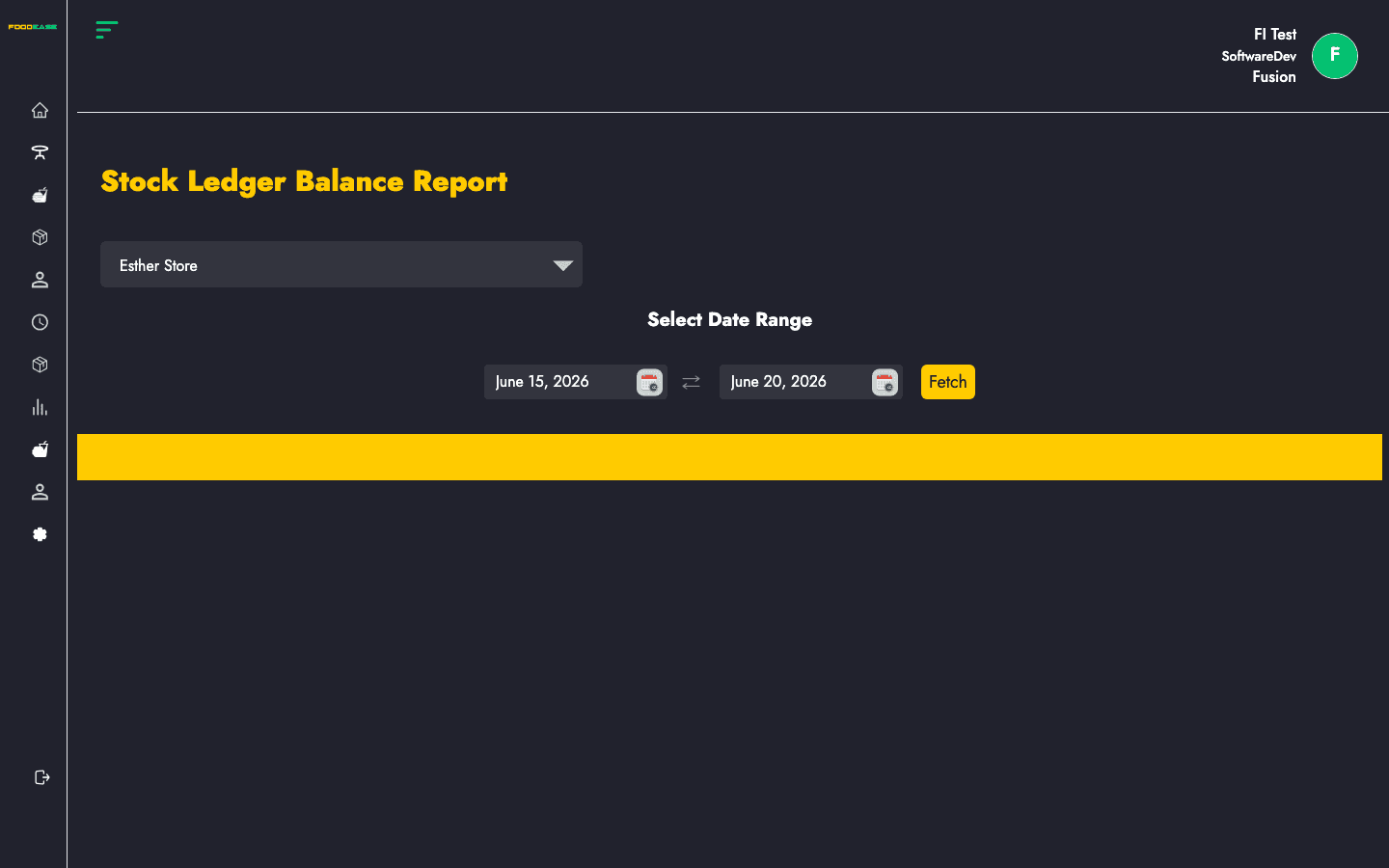
Summarise total credits, debits, and net balance by store location for a period.
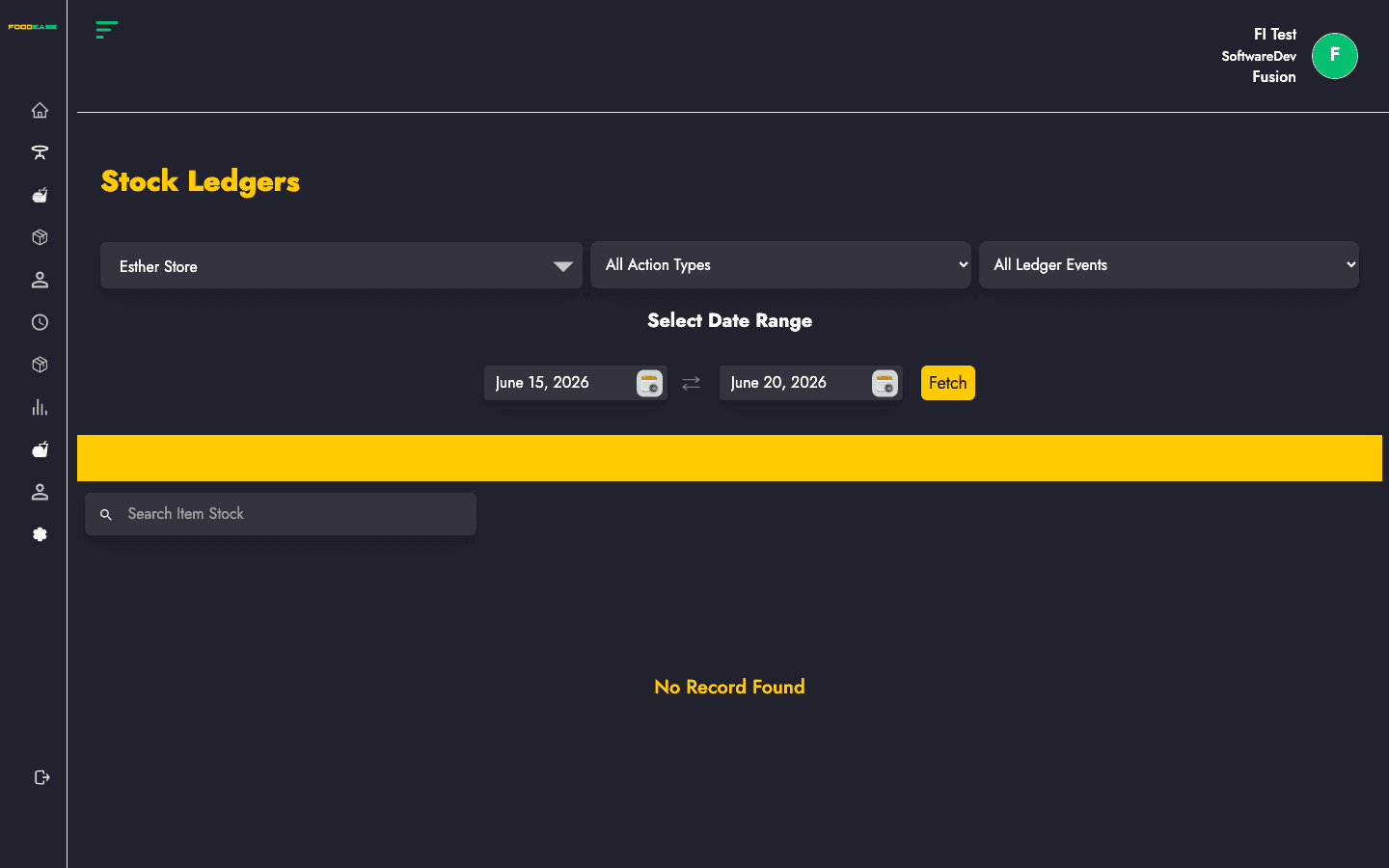
Detailed ledger entries for every stock credit and debit by item, location, and event type.
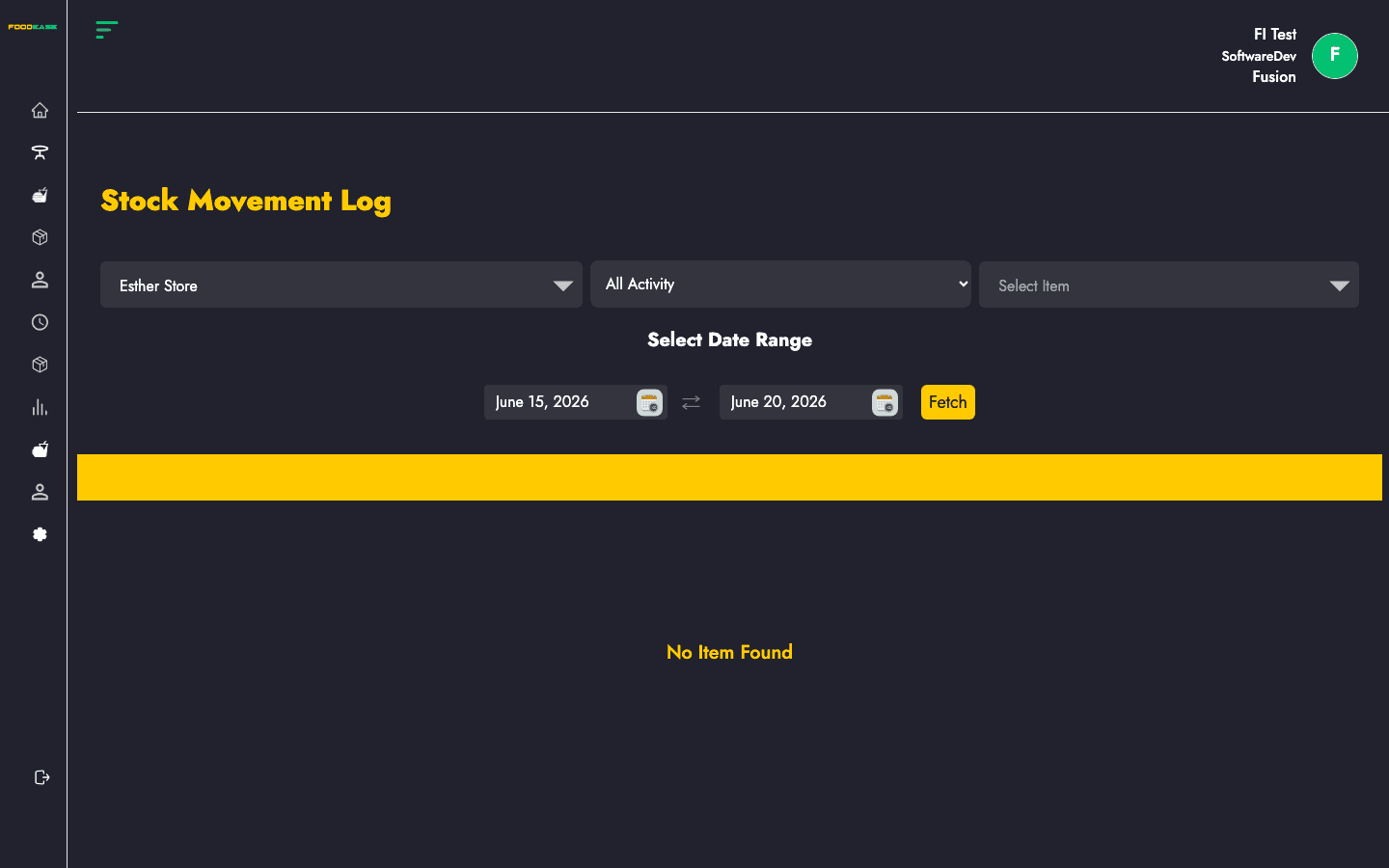
Audit daily stock additions and deductions by item, location, and activity type.
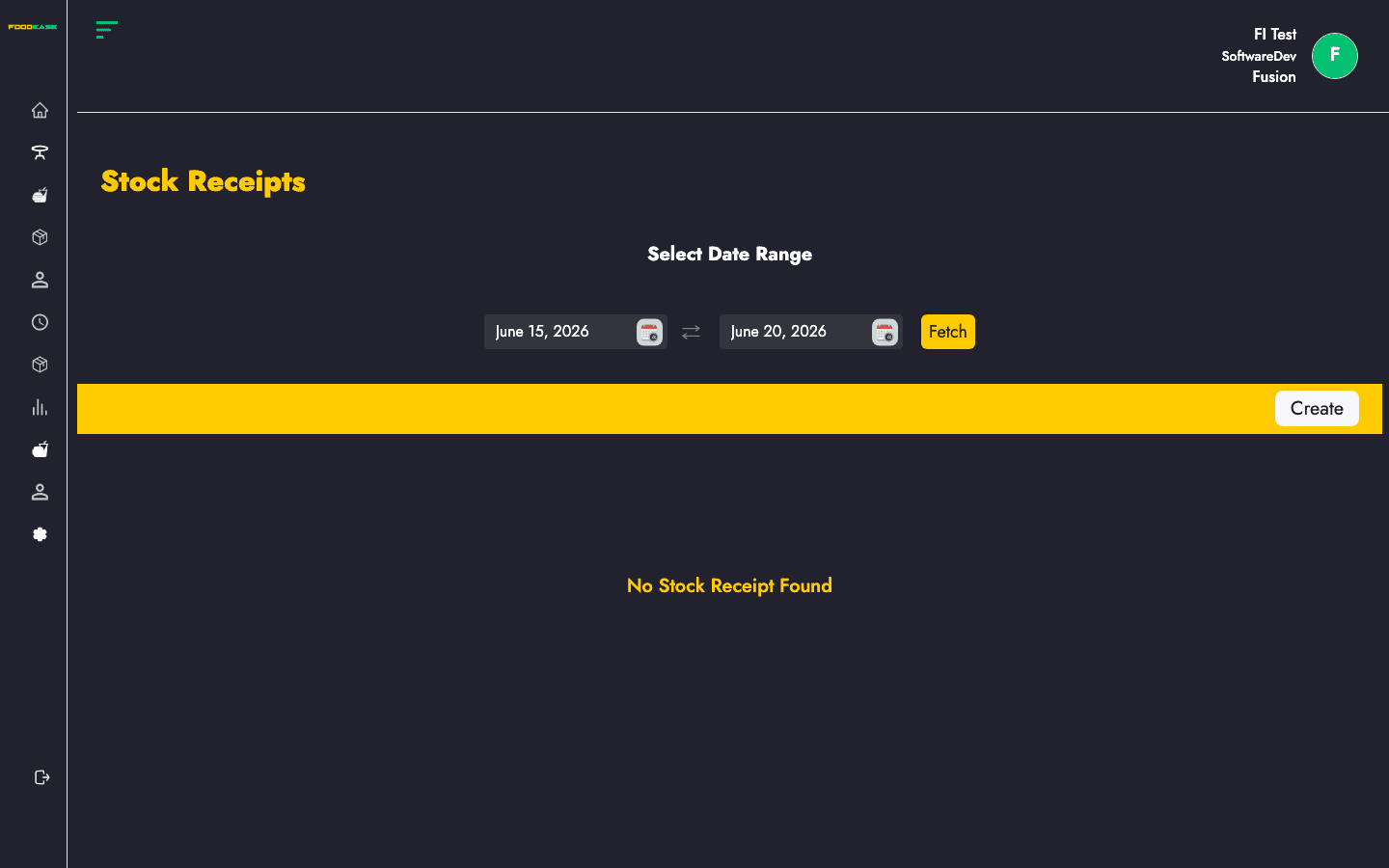
Record goods received against purchase orders and manage receipt approval.
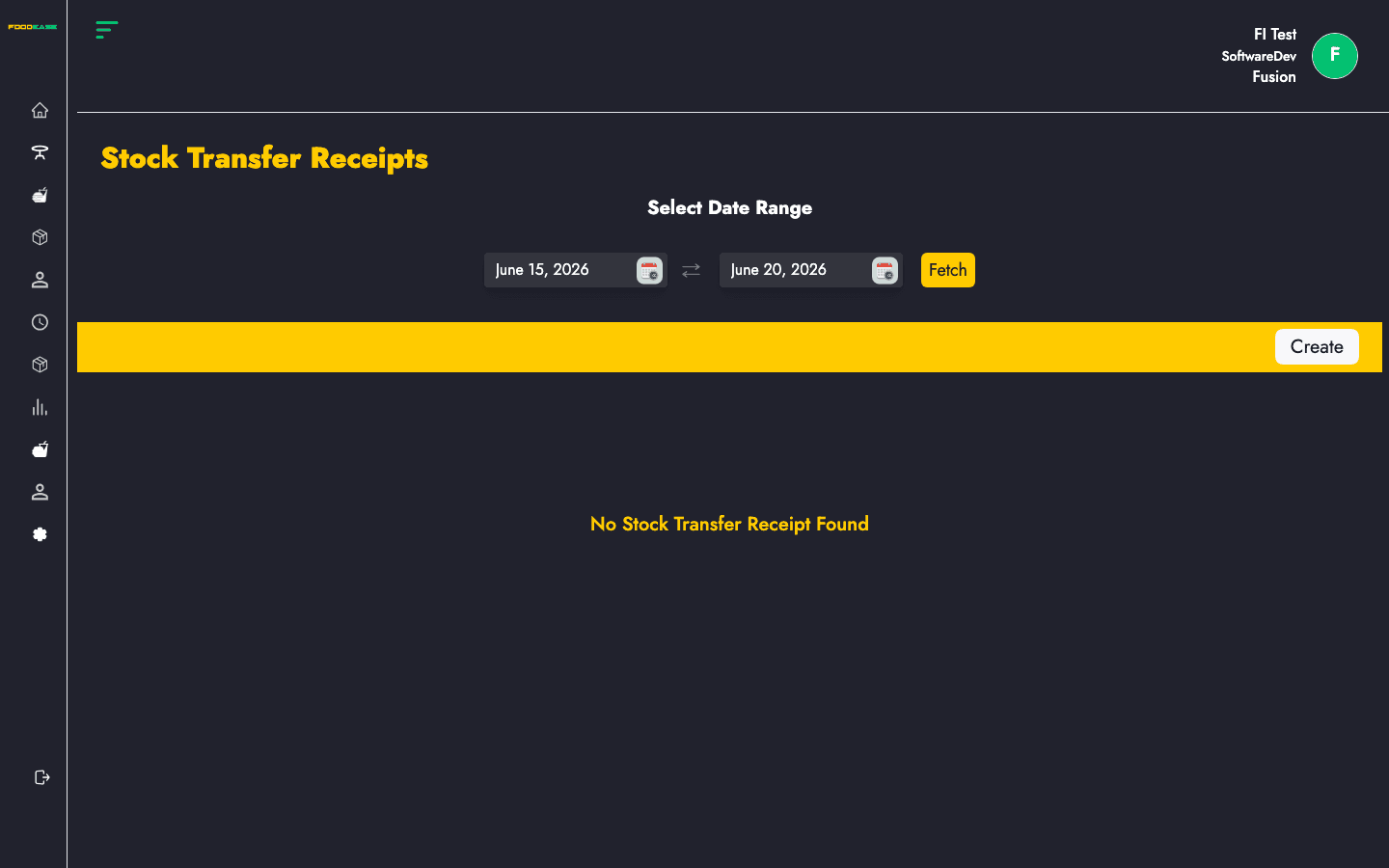
Confirm receipt of stock transferred between store locations.
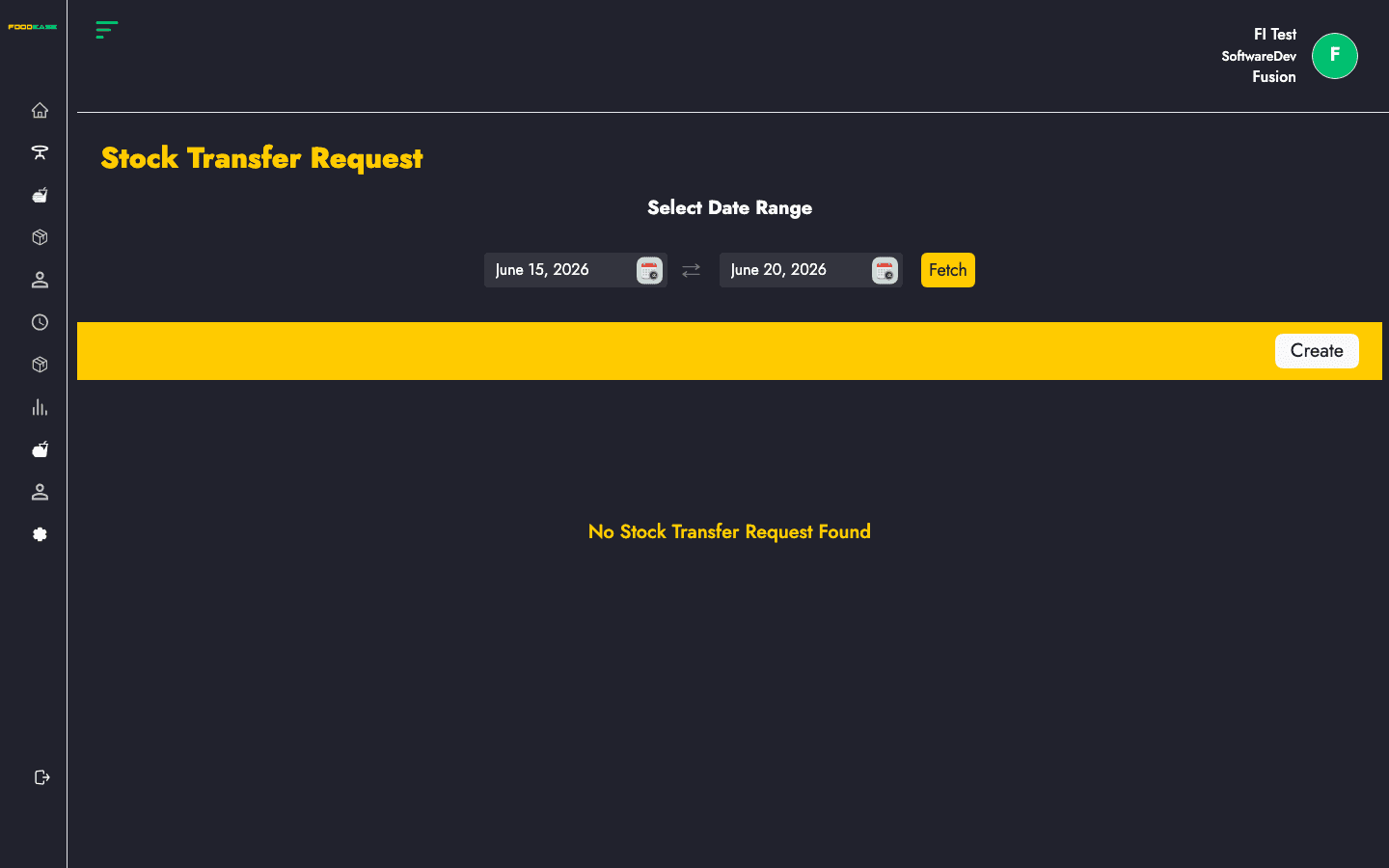
Request stock movement between store locations within your restaurant.
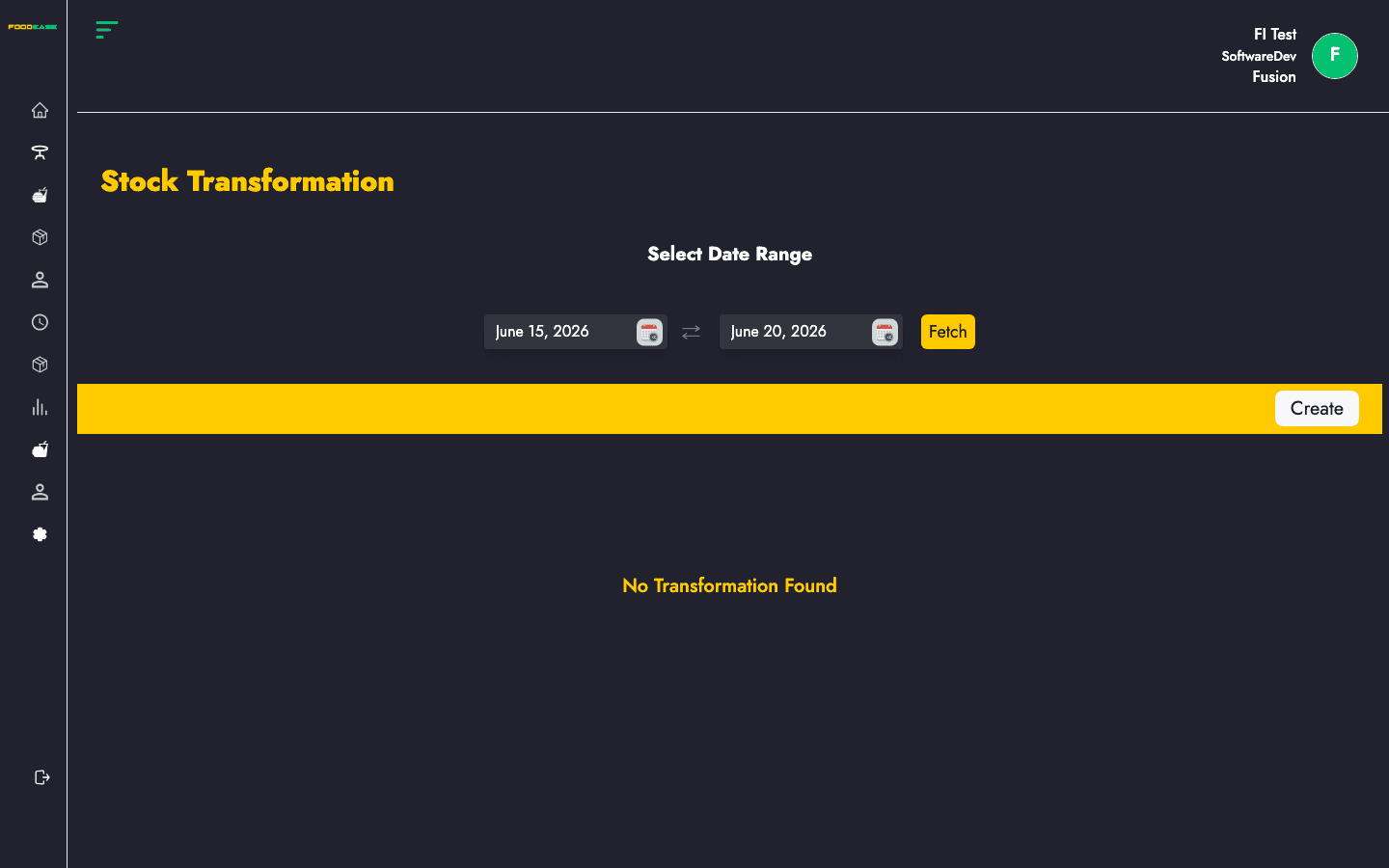
Convert recipe ingredients into finished stock through batch transformations.
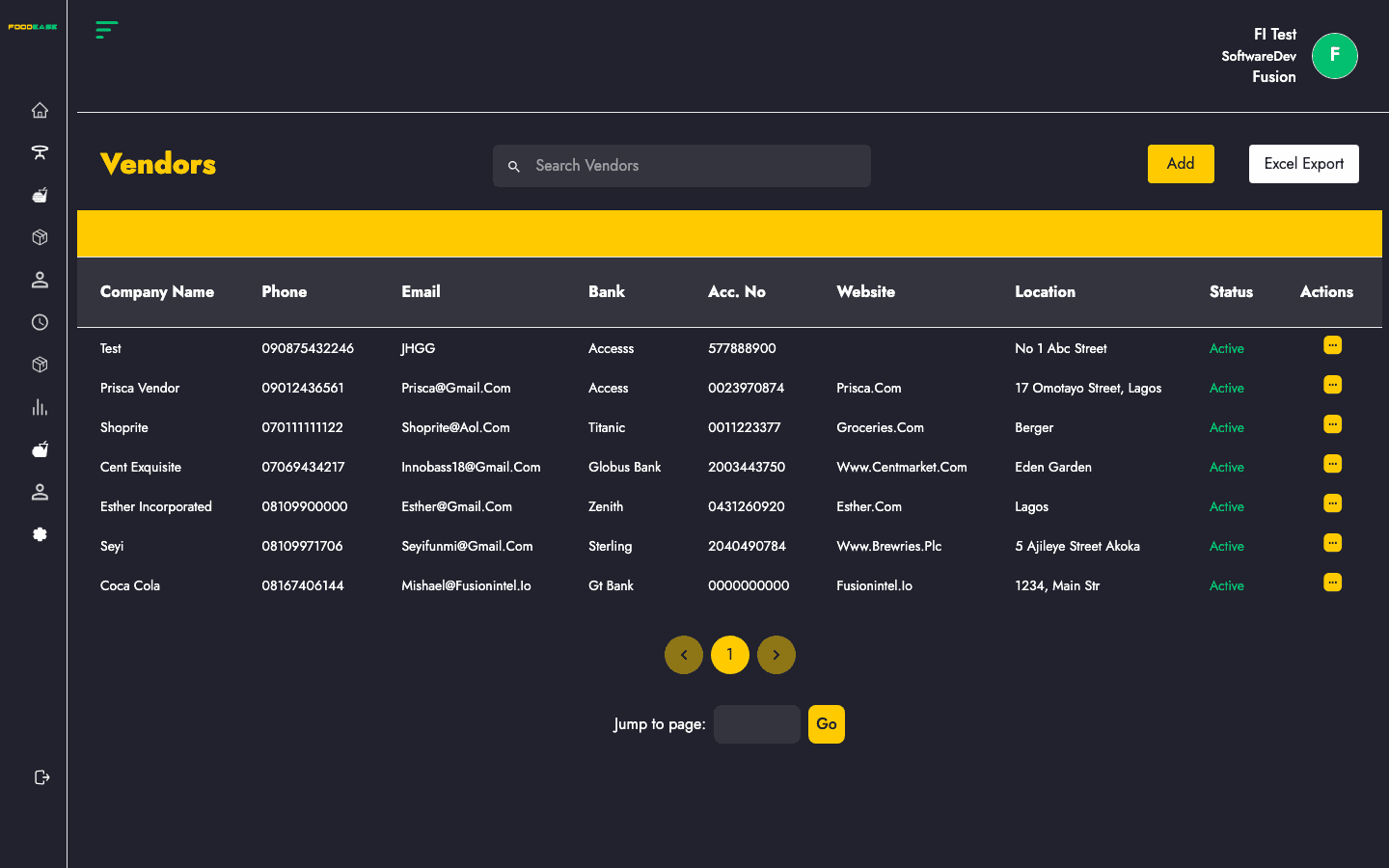
Manage supplier records, contact details, and item associations for purchasing.